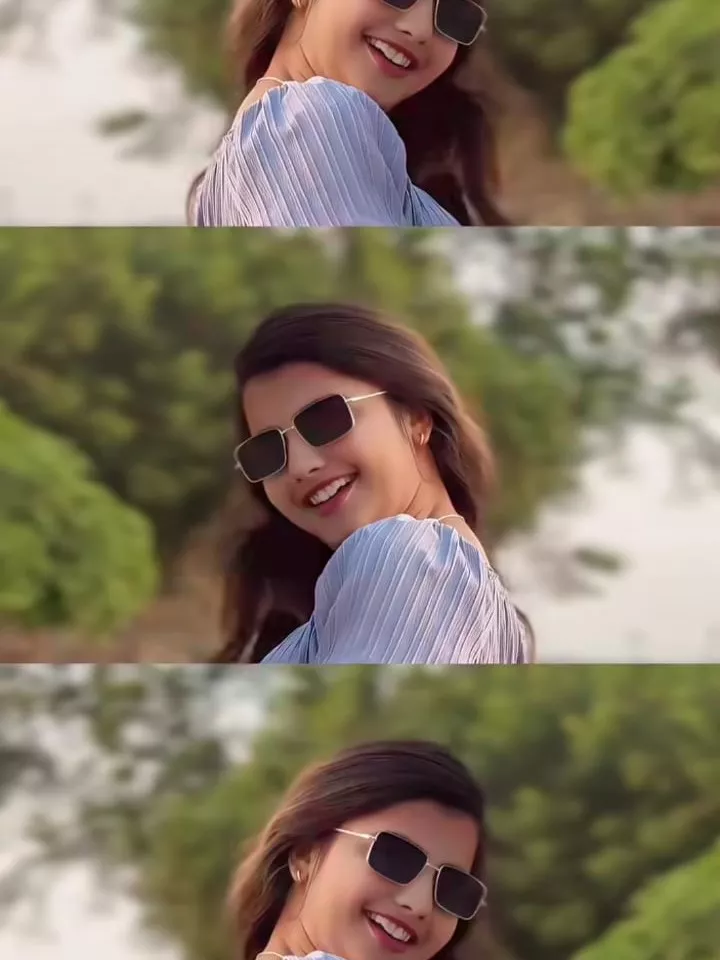
Valentine Day VN Code Template – This editing style is going to be a totally different type of editing. That’s why people are loving it so much. In this editing, you’ll see a simple photo, but you’ll really like the editing style. For example, in the editing, you’ll see some unique animated artwork at the beginning. When you see the photo being animated, you’ll notice that your photo will appear perfectly with the animation. At the beginning, a bouquet of flowers is shown. Then, two airplanes, which are PNG images, fly in from both sides. After that, a message box appears, like a letterbox. Then, a letter comes out of the letterbox. Similarly, you’ll see your photo coming out of it. After that, your photo will remain there, so you can put your best photo there. This is what we’re going to teach you.
Details Of Valentine Day VN Code Template
So, as Valentine’s Day is approaching, people will start doing their video editing. You’ll see many people creating different types of viral HD edits. Let me tell you, some similar edits are going viral on Instagram right now, and I want to show you how to create this type of editing using a code. This code will be for the VN application. In this application, you can easily edit any type of video using a code. You just scan the code, add all the details, and your editing will be complete. We’ll understand this in full detail. We’ll also show you how you can go viral on social media by creating these kinds of viral videos.
What Is This Code For?
Now, in the article, you’ll see that only one code is provided. What is this code for? You need to use this code for editing. First, save it. After that, you need to prepare your video clip. We won’t be adding a video here; we’ll simply use a single photo. We’ll create this type of video using just one photo. You can generate a good photo for Valentine’s Day. If you use a Gemini prompt to generate it, you’ll get a really great photo. If you want, I’ll explain more about that later. For now, learn how to use this code. You need to scan this code in the VN editor application. Open it, and you’ll see the “New Project” option. Go back, click on the scanner option at the top. From there, select your code. Once you select it, you’ll get the option to add a clip. Download it first, then you’ll get the option to use it. Then add your photo and click “Next.” This will show you the final edited video. When you feel it’s perfect, simply export it.

How to Use Valentine Day VN Code Template
There are some mistakes you absolutely must avoid. If you make these mistakes, your editing will never be good. If you want to do good editing, first, when you add clips in the VN editor, add the clips according to the editing requirements. For example, if it requires a photo, you must add a photo. Adding a video won’t work at all. You have to use a photo here. You need to use the same type of clip that is shown in the preview. Then, you need to check if your clip is being cropped. You might see that it’s cropped from the sides or from the top and bottom. You need to correct that. Go to the crop option and adjust it. This is because the templates are created according to specific requirements.
How To Customize Editing?
Look, if you want to customize this editing, you can make your own customizations according to your preferences. For example, if you want to add some different effects, look here. It’s not like you can adjust things during the editing process, because those things are locked by the template creator. So, after creating the video, you have to add your video back into the application. Then, you can add whatever effects or transitions you want. You have to go there and add them. For example, I went to the effects section and selected a blur effect and added it to the next part. If I want to add filters, I can go to the filter option and add some filters that will give our video a specific theme.