Janta Darbar CapCut Template 2026 is gaining attention among users who enjoy creating stylish, attitude-based short videos for Instagram Reels, YouTube Shorts, Facebook, and other social media platforms. This template is especially suitable for people who want to give their normal video clips a trendy Bhojpuri-style look without spending a lot of time on manual editing.
The template combines multiple clips, smooth transitions, blur effects, text elements, and a warm orange-toned visual style. The best part is that most of the editing is completed automatically after you select your photos or video clips. In this guide, we will explain what the Janta Darbar CapCut Template is, which clips you should choose, and how to use it step by step.
Janta Darbar CapCut Template Details
The Janta Darbar template follows a Bhojpuri-inspired editing style with an energetic and confident attitude. It works particularly well for walking videos, fashion clips, lifestyle shots, and other footage where you want to create a strong personality-driven appearance.
At the beginning, a blur-style effect can create a short suspenseful introduction. The video then becomes clearer and moves into the main clips. Text elements and transitions add more energy to the edit, while the warm orange appearance gives the footage a distinctive visual tone.
Since this template is designed around several short clips, you should keep multiple suitable videos ready before starting the editing process.
Why Is the Janta Darbar Template Trending?
Short-form video platforms are full of fast-paced edits, and templates make it easier for creators to participate in these trends. Instead of manually adding every transition, effect, and timing adjustment, a ready-made CapCut template can handle much of the editing automatically.
The Janta Darbar style is attractive because it combines a popular music-based format with attitude-focused visuals. It can turn simple walking or posing footage into a more dynamic social media video.
If you regularly follow editing trends on Rohan Editz, you may already be familiar with this type of template-based video creation.
Choose the Right Clips for Your Video
Choosing the correct footage is one of the most important steps if you want your final video to look good. The template can automate the editing, but the quality of the original clips still makes a major difference.
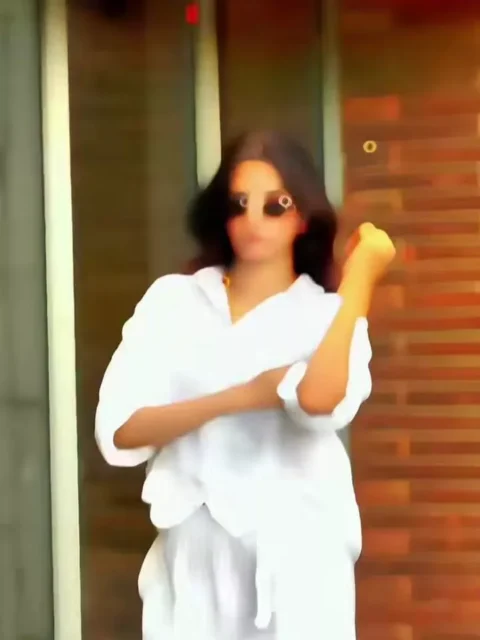
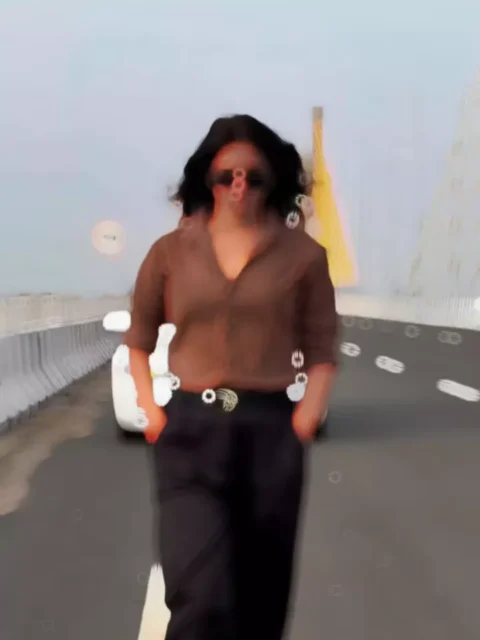
For an attitude-style edit, try recording three or four short clips in different poses or walking movements. Choose a clean location with good lighting and avoid backgrounds that are too crowded.
You can try clips such as:
- Walking toward or past the camera
- Adjusting your jacket, shirt, or sunglasses
- Looking directly into the camera
- Standing confidently at a suitable location
- Slow-motion walking or turning shots
Keep the clips reasonably short and record them vertically if your main goal is to create an Instagram Reel or YouTube Short.
How to Use Janta Darbar CapCut Template
Using the template is generally simple, even if you have little or no previous video-editing experience. Follow these basic steps:
Step 1: Install CapCut
First, make sure the CapCut application is installed on your device. Open the app and sign in if required.
Step 2: Find the Template
Open the template or template link associated with the Janta Darbar edit. If the template is searchable inside the application, you can also try searching for its name.
Step 3: Select “Use Template”
After opening the template preview, look for the Use Template or similar option. Tap it to begin creating your own version.
Step 4: Add Your Video Clips
CapCut will open your device gallery. Select the required clips according to the template’s placeholders. Try to choose footage that matches the duration and style of the original template.
Step 5: Preview the Edit
Once your clips are selected, continue to the next step and allow CapCut to process the edit. The application will automatically apply the template’s transitions, timing, effects, and other elements.
Step 6: Export Your Video
Watch the completed video carefully. If everything looks correct, export it in a suitable quality and share it on your preferred social media platform.
Tips to Make Your Video More Attractive
A template can simplify editing, but a few small improvements can make your final video look much better. Record your footage in good lighting and keep your camera steady. Avoid using extremely dark or blurry clips unless the template specifically requires them.
You can also experiment with different outfits, locations, camera angles, and poses. For Instagram Reels and Shorts, a vertical 9:16 video format is generally the most suitable choice.
Before uploading, watch the complete video once to check whether the transitions match your clips properly.
Is the Janta Darbar CapCut Template Free?
The availability and terms of individual CapCut templates can vary. Some templates may be available without additional charges, while certain features or resources can depend on the application and region. Always check the template page and CapCut’s current terms before using it.
Final Words
The Janta Darbar CapCut Template 2026 is a convenient option for creators who want to make a stylish Bhojpuri-inspired attitude video without performing every editing step manually. By selecting suitable clips and following the template instructions, you can quickly create a polished short video for social media.
We share these editing resources to help creators discover new video trends and learn how template-based editing works. Rohan Editz is not affiliated with CapCut, and users should check the availability and terms of any template directly through the CapCut application.
FAQs – Janta Darbar CapCut Template 2026
What is the Janta Darbar CapCut Template?
It is a ready-made video-editing template designed around a Bhojpuri-inspired, attitude-style editing format. It can automatically apply transitions, effects, timing, and other editing elements to your selected clips.
How many clips are needed for the Janta Darbar template?
The number can vary depending on the specific template version. Usually, you should keep around three to four suitable short video clips ready before starting.
Can beginners use this CapCut template?
Yes. Templates are designed to simplify the editing process, so beginners can create videos without manually adding every effect and transition.
What type of videos work best with this template?
Walking videos, attitude poses, fashion clips, lifestyle footage, and confident camera shots generally work well with this editing style.
Why can’t I find the Janta Darbar template?
Templates may not always appear in search results because of regional availability, app updates, template removal, or other factors. If you have a valid template link, opening it directly may be easier.
Can I upload the finished video to Instagram?
Yes, you can generally share your completed video on platforms such as Instagram, YouTube, or Facebook, subject to the applicable music, copyright, and platform rules.
Do I need professional editing skills?
No. Basic knowledge of selecting clips and exporting a video is usually enough to use a ready-made template.
Is Rohan Editz affiliated with CapCut?
No. Rohan Editz is an independent website sharing information and resources about video-editing trends. It is not affiliated with or officially connected to CapCut.