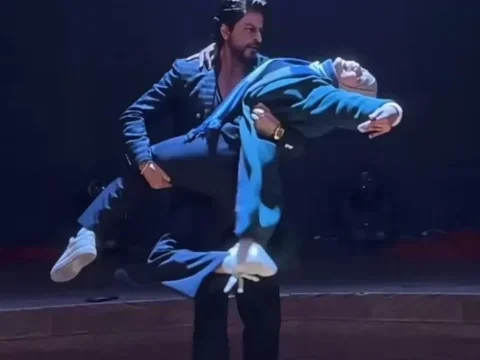
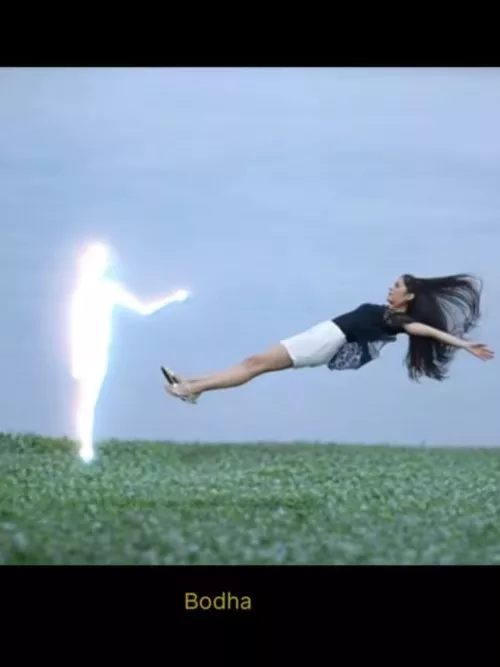
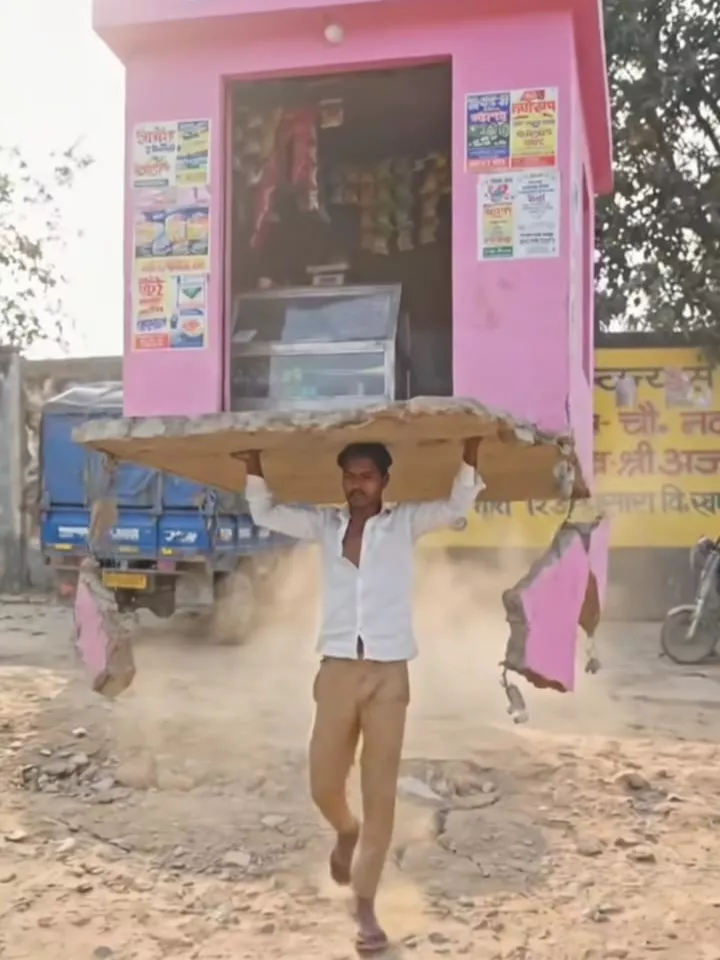
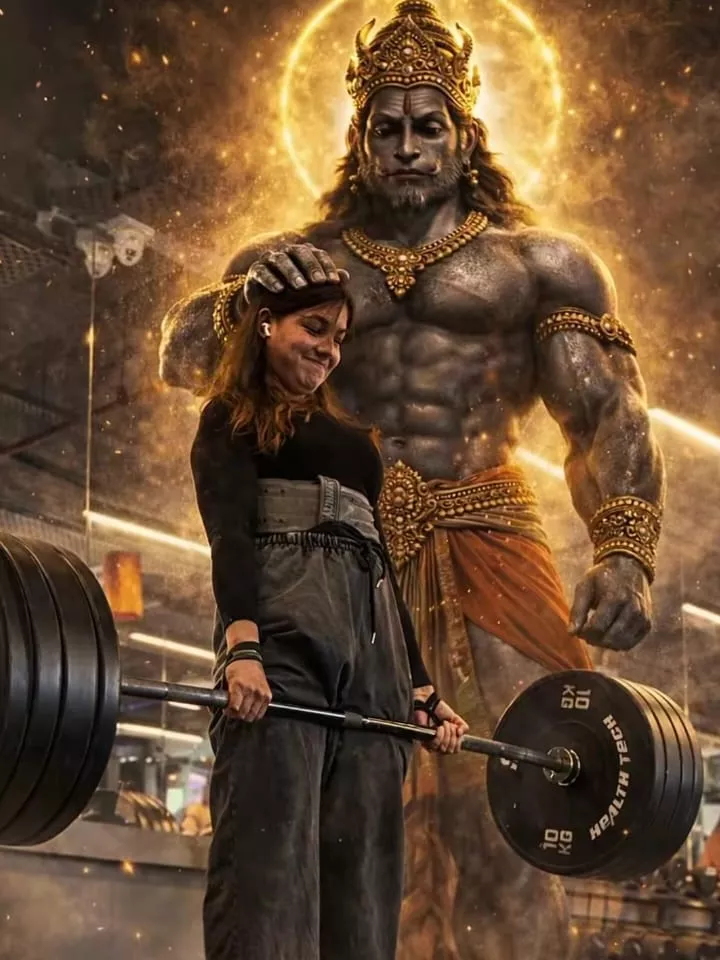
The Aura Farming Korean AI Video Editing Prompt has become popular on social media because of its unique classroom-style scene and powerful character entry. Creating this type of video is now easier with AI video editing tools. With the correct prompt and reference video, you can recreate the same style and make an engaging video for social media.
In this guide, you will learn how the Aura Farming AI Video is created and how you can make your own version. The complete process is explained step by step so that you can follow it without much difficulty.
Details – Aura Farming Korean AI Video Editing Prompt
Before starting the editing process, it is useful to understand the scene. The video shows a teacher inside a classroom with a group of boys. The teacher asks the boys to sit down, but instead of listening, they continue laughing.
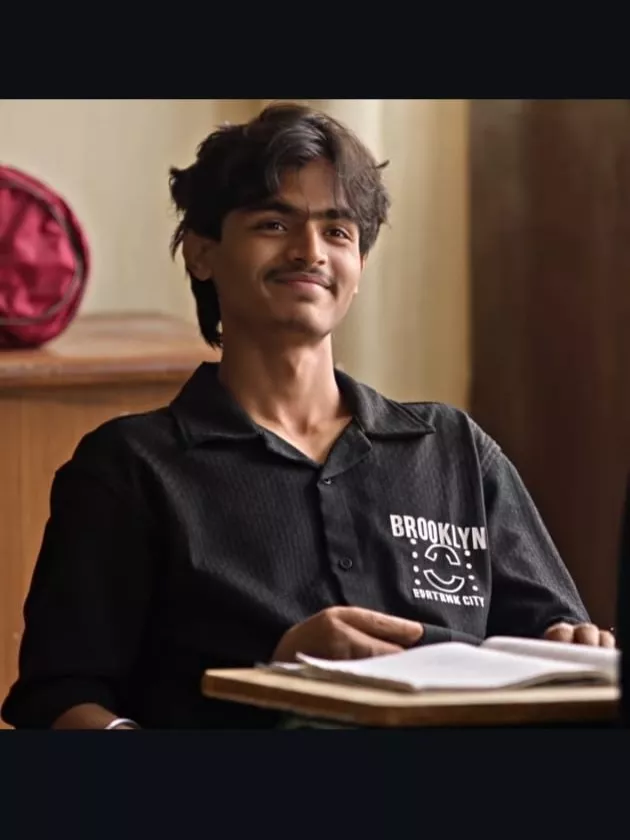
After that, another boy enters the classroom. He simply tells the boys to take their seats, and they immediately sit down. In this version of the video, you will appear as that boy who enters at the end.
This creative concept has attracted attention on social media because of the character’s confident entry and reaction from the other people in the scene. Using the right Korean AI Video Editing Prompt, you can create a similar video with your own photo and reference footage.
Important Steps
There are two simple ways to create this type of Aura Farming Video Editing. You can use either Google Gemini or the Google Flow website. Both options allow you to work with a reference video and your photo.
Before beginning the editing process, divide your reference video into approximately 10-second sections. Using shorter clips can help maintain better motion and make the AI generation process easier.
Video Prompt
Use the uploaded reference video as the exact motion reference. Track the main subject’s full-body movement, posture, head movement, shoulder movement, hand/arm gestures, walking direction, weight shifts, and facial reactions frame-by-frame.Preserve the original body-motion timing and choreography as closely as possible. The generated subject should follow the same poses, transitions, head turns, body orientation, gestures, and natural pauses as the reference video.Keep human anatomy realistic and stable throughout the entire clip. Maintain consistent face, hairstyle, clothing, body proportions, and identity. No unnatural limb movement, no extra fingers or limbs, no body warping, no sudden pose changes.Match the original camera movement, framing, perspective, shot transitions, and pacing. Keep the motion smooth, cinematic, realistic, and physically believable. Use subtle natural secondary motion in the hair and clothing while maintaining accurate body-motion tracking.IMPORTANT: Prioritize accurate motion transfer from the reference video over creating new choreography. Do not change the timing or direction of the subject’s movements.
How to Create With Google Gemini?
To create the video with Google Gemini, first open the tool. After opening it, select the video model by clicking the plus icon and choosing the video option.
Next, click the plus icon again and upload your reference video first. After that, add your own photo. Once both files have been added, enter the Aura Farming Korean AI Video Editing Prompt and start the generation process.
Gemini will then process your reference material and create the video based on the instructions. The result can give you a professional-looking AI video that you can use for social media.
The process is simple, and following the prompt carefully can help you get a better result.
How to Create With Google Flow?
You can also create the Aura Farming AI Video with Google Flow. First, search for Google Flow and open the official website. After opening it, go to New Project.
Click the plus option and upload your reference photo or video. Once your files have been uploaded, select the video and photo on the timeline.
You will find another plus option below the timeline. Select it and paste the provided Korean AI Video Editing Prompt. After adding the prompt, start the generation process.
Google Flow will use the uploaded reference material and prompt to generate the video. Once the video is ready, you can review the result and use it for your social media content.
Conclusion
The Aura Farming Korean AI Video Editing Prompt 2026 makes it easier to create this popular AI video style with a reference video and your own photo. You can use Google Gemini or Google Flow to follow the process and generate your video.
The most important part is to use the reference video correctly and keep the motion instructions unchanged. Follow the steps carefully and use the provided prompt to create your own version of the Aura Farming video.