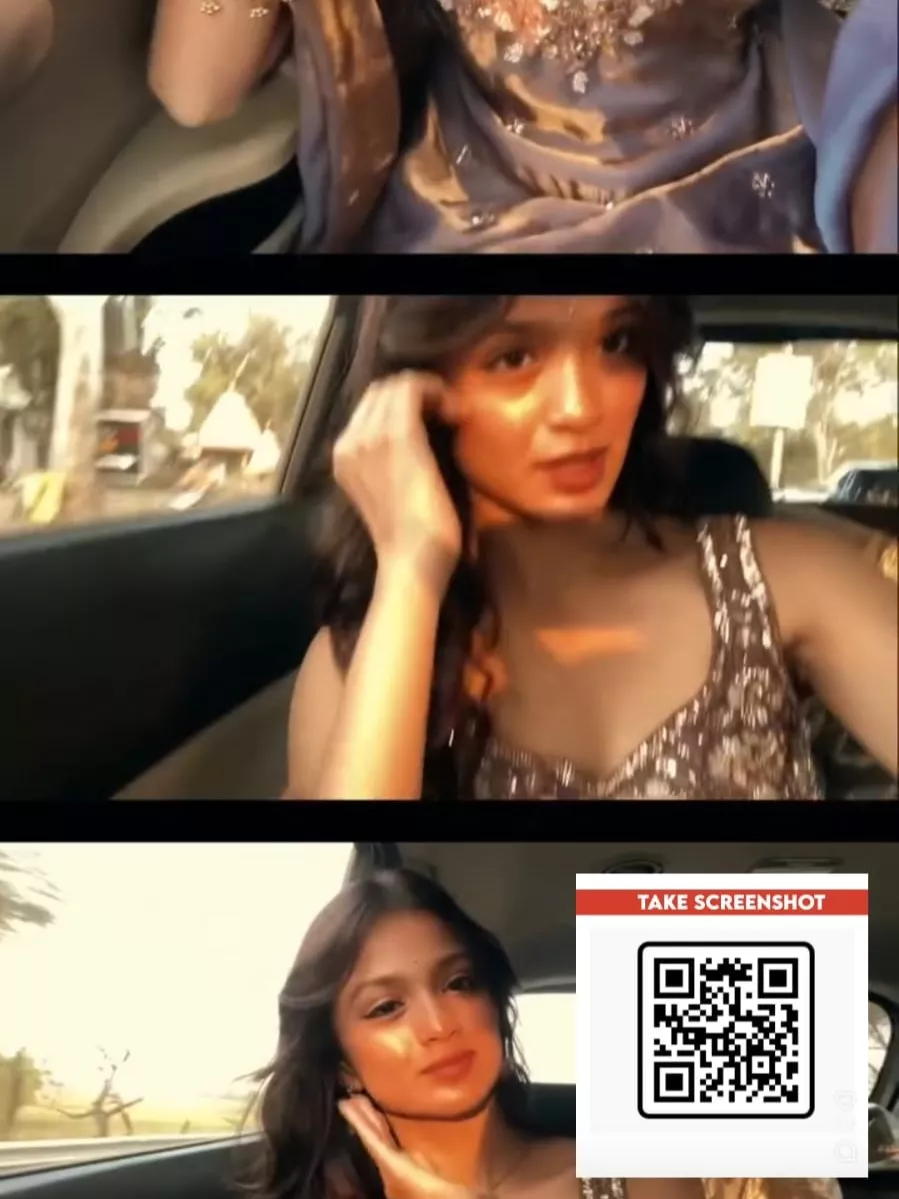
23 Theme Intro Vn Code Template – Currently, you’ll see that intro-style videos are going viral on social media. People are creating them a lot, each with their own unique style using photos and videos. I thought, why not teach you some editing techniques that can also go viral? So that you can easily create them yourself. In today’s article, I will tell you how to create this type of viral video, how simple it is to create, and which steps you need to follow. Many people will tell you different ways to create these viral videos, but my goal is to explain the editing process in a professional way so that you don’t face any problems and can easily create your own videos.
Details Of 23 Theme Intro Vn Code Template
It’s important to understand the type of video you’ll be seeing because you need to understand the editing process. The editing starts with a normal video. Then, the last frame of your video, the one that appears right before the video ends, is frozen. This frozen frame is then converted into an image. This image has a red background, and text is displayed on it. You can customize the text according to your preferences; you can write whatever text you want. So, that’s what I’m going to show you: how to create this using the simplest editing techniques.
Editing Process Of This Editing
Look, creating this kind of edit involves a long process. For example, we have a template, a CapCut template, which we can use for our editing. Alternatively, we have manual editing. In this method, we first take screenshots from our video and convert those images into a painting-style photo. Then we add text and do all the other necessary steps until it’s complete. But here, I’ll show you the simplest way: I’ll provide a code. Once you scan this code within your editing application, you’ll get the project file. You can then add your clips there and easily complete this type of editing. I’m explaining this step by step. Just read and understand it carefully.

How To Use 23 Theme Intro Vn Code Template
How to create our video. If you want to create your video using this type of code, I will explain it to you step by step. Just follow the instructions, because with its help, you can create your video with excellent results. First, you need to save the code provided here. You can take a screenshot of it. Then, you need to open the VN editor application. Go to the scanner option and scan the code. After scanning, you will find the project file. Then, you will get the option to download it. You can save it within the application. After that, click on “use” and add your clips. Then click on “next,” and it will prepare the final preview of your video. Once you are satisfied with your video, export it, and the editing is complete.
Conclusion
Hopefully, you have created your basic edit by following the simple editing steps. I have explained everything and all the details, and I hope you have successfully created this type of edit. If you face any problems with the editing or are unable to create it, you can ask us. We will explain more advanced techniques to you so that you can make your edits even more professional.