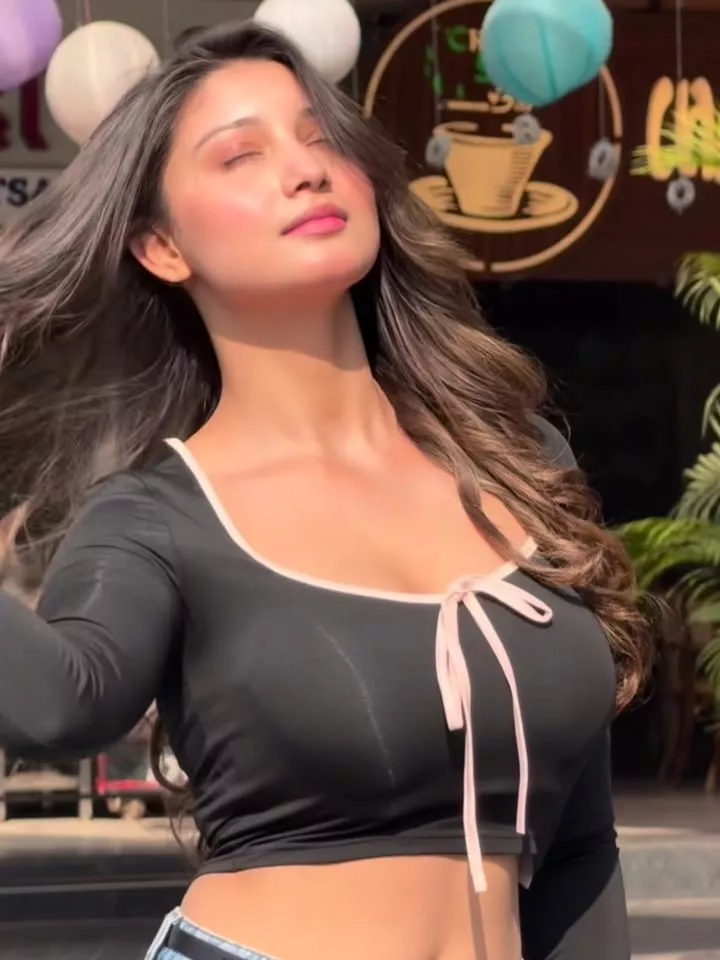
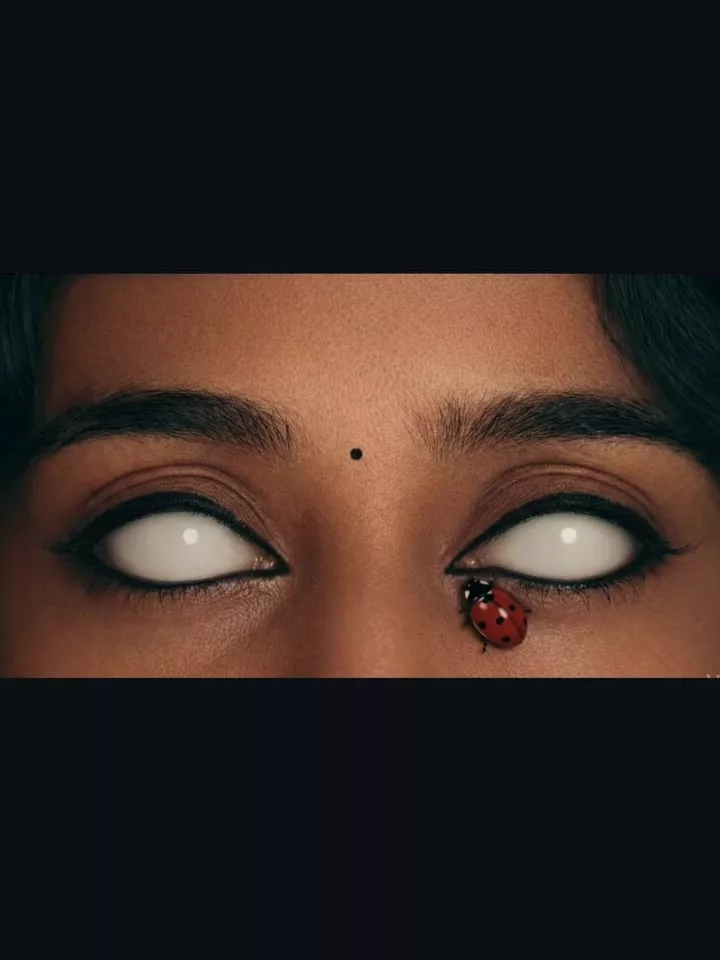
The Guru Randhawa Song CapCut Template is a simple way to create stylish and trending Instagram Reels without spending hours on manual video editing. If you enjoy Guru Randhawa’s songs and want to combine them with cinematic effects, smooth slow motion, beat transitions, and modern filters, this template can make the editing process much easier.
Recently, short videos featuring creative transitions, motion effects, blur effects, and beat-synced clips have become popular on Instagram and other social media platforms. One editing style uses calculation-like visual elements together with slow-motion effects to give ordinary clips a more creative appearance.
What Is the Guru Randhawa Song CapCut Template?
A CapCut template is basically a pre-designed video editing project. Instead of creating an entire edit from the beginning, you can use a template in which the creator has already arranged the music, transitions, filters, animations, timing, and visual effects. This makes video editing much easier for beginners. When you open a template, you only have to replace the sample media with your own photos or video clips. CapCut then applies the existing editing style to your content.
Why Use a Guru Randhawa CapCut Template?
Manually creating a beat-synced video can require several editing steps. You may need to find the beats, cut clips, adjust their duration, add transitions, apply filters, and configure slow motion separately. A ready-made template simplifies this process. It can be especially useful if you want to quickly create content for Instagram Reels, YouTube Shorts, or other short-video platforms. The template also gives beginners an opportunity to experiment with modern editing styles without first learning every CapCut feature. However, the final result still depends on the photos and clips you select. Try using clear, high-quality media that matches the mood and timing of the template.

Note: Some CapCut templates may not work in certain regions due to CapCut restrictions. If the Use Template button doesn’t open, please try again later or open the link directly in the official CapCut app. The button will take you to the original CapCut template. We are not affiliated with CapCut, and all templates, logos, and trademarks belong to their respective owners. We only share publicly available template links for users’ convenience.
How to Use Guru Randhawa Song CapCut Template
Using the Guru Randhawa Song CapCut Template is straightforward. Make sure you have CapCut installed on your supported device before starting.
Follow these steps:
- Open this article and locate the Check Template button.
- Tap the button to open the available Guru Randhawa template.
- If prompted, allow the link to open in the CapCut application.
- Watch the template preview before using it.
- Select the option to use the template.
- Choose the required photos or video clips from your device.
- Arrange your selected media if the template allows it.
- Preview the automatically generated video.
- Make any available adjustments you want.
- Export the finished video in your preferred supported quality.
CapCut will automatically apply the template’s transitions, timing, effects, and other predefined elements to your selected media.
Tips for Getting Better Results
Choose high-resolution clips with good lighting whenever possible. Portrait-oriented footage generally works better for Instagram Reels and other vertical short-video formats.
You should also select clips that contain some natural movement. Walking, turning toward the camera, changing expressions, or moving the camera slightly can work particularly well with slow-motion templates.
Before exporting, watch the complete preview and check whether each clip fits naturally with the music.
If one clip doesn’t look right, replace it with another clip instead of using the first result.
Create Trending Videos Without Complicated Editing
The Guru Randhawa Song CapCut Template can be useful for anyone who wants to create attractive short videos with minimal manual work.
Its combination of trending music, slow motion, blur, beat transitions, cinematic filters, and motion effects can transform simple clips into engaging Reel-style edits.
Instead of manually creating every effect, you can select your media and let the template handle most of the editing process.
Templates can also change or become unavailable over time, so always check the available preview before creating your final video.
Conclusion
Creating a stylish Guru Randhawa song video doesn’t have to involve complicated editing. With the Guru Randhawa Song CapCut Template, you can use a ready-made editing structure and customize it with your own photos or videos.
Simply open the template, select your clips, preview the result, make any necessary adjustments, and export your video.
Experiment with different clips and template versions to find an editing style that suits your content best.