Suit Suit Karda VN Code Template – When it comes to Instagram, there is always something new and unique going viral—you never know what to expect! For instance, you may have noticed that a specific style of “lyrics editing” is currently trending massively. Let me tell you: creating such viral videos has become incredibly easy these days. I am going to walk you through, step-by-step, exactly how you can create these lyrics-based videos with absolute ease. After all, manually typing out every single lyric and perfectly syncing it to the music isn’t really feasible in today’s fast-paced world, as hardly anyone has the time for that. The method I am about to share in this article will completely simplify your editing process. So, simply follow the steps outlined here and create your own fantastic video!
Details Of Suit Suit Karda VN Code Template
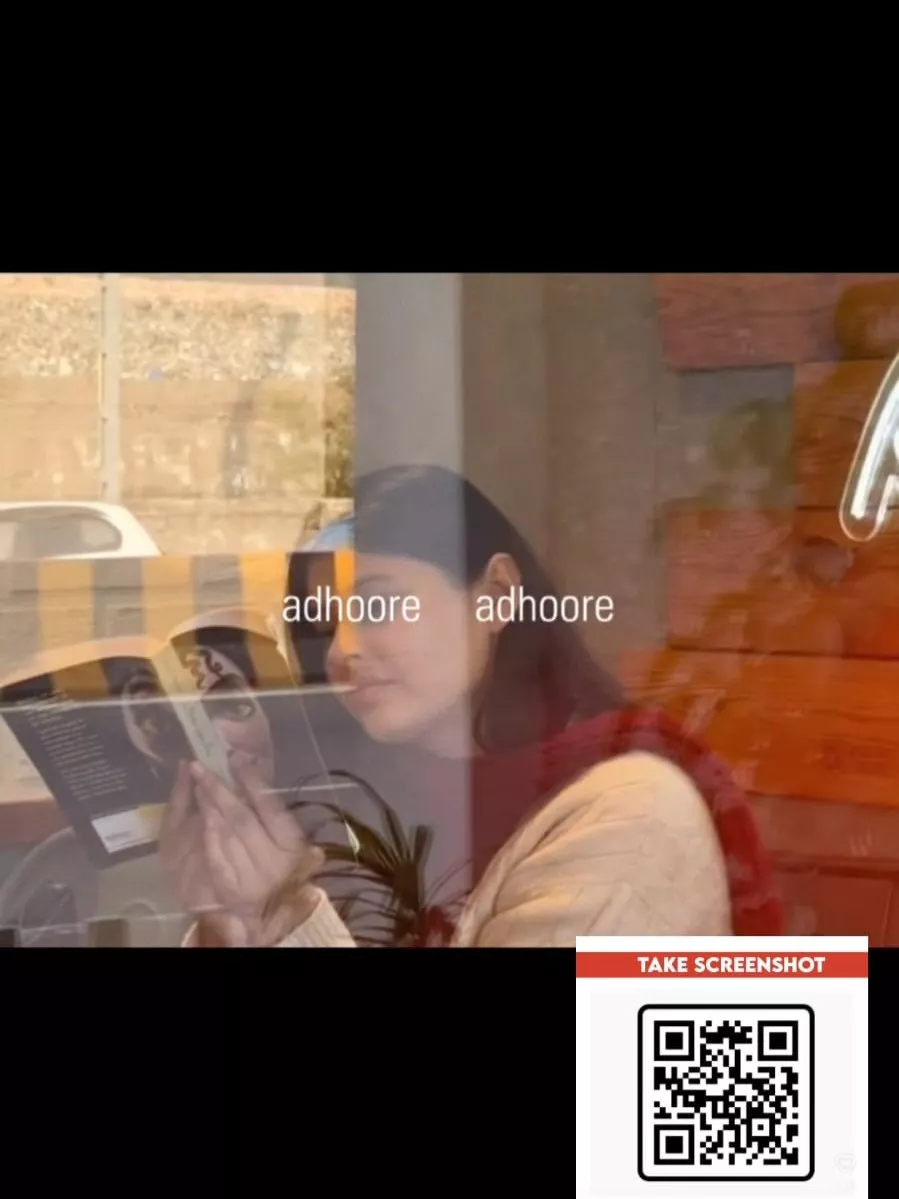
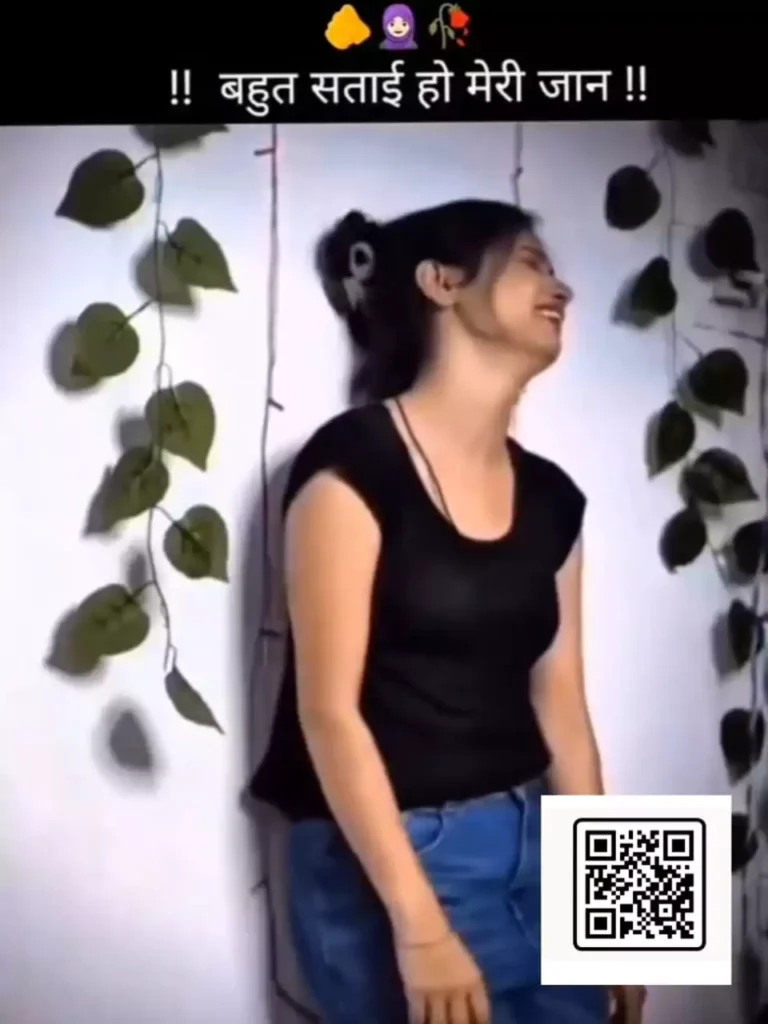
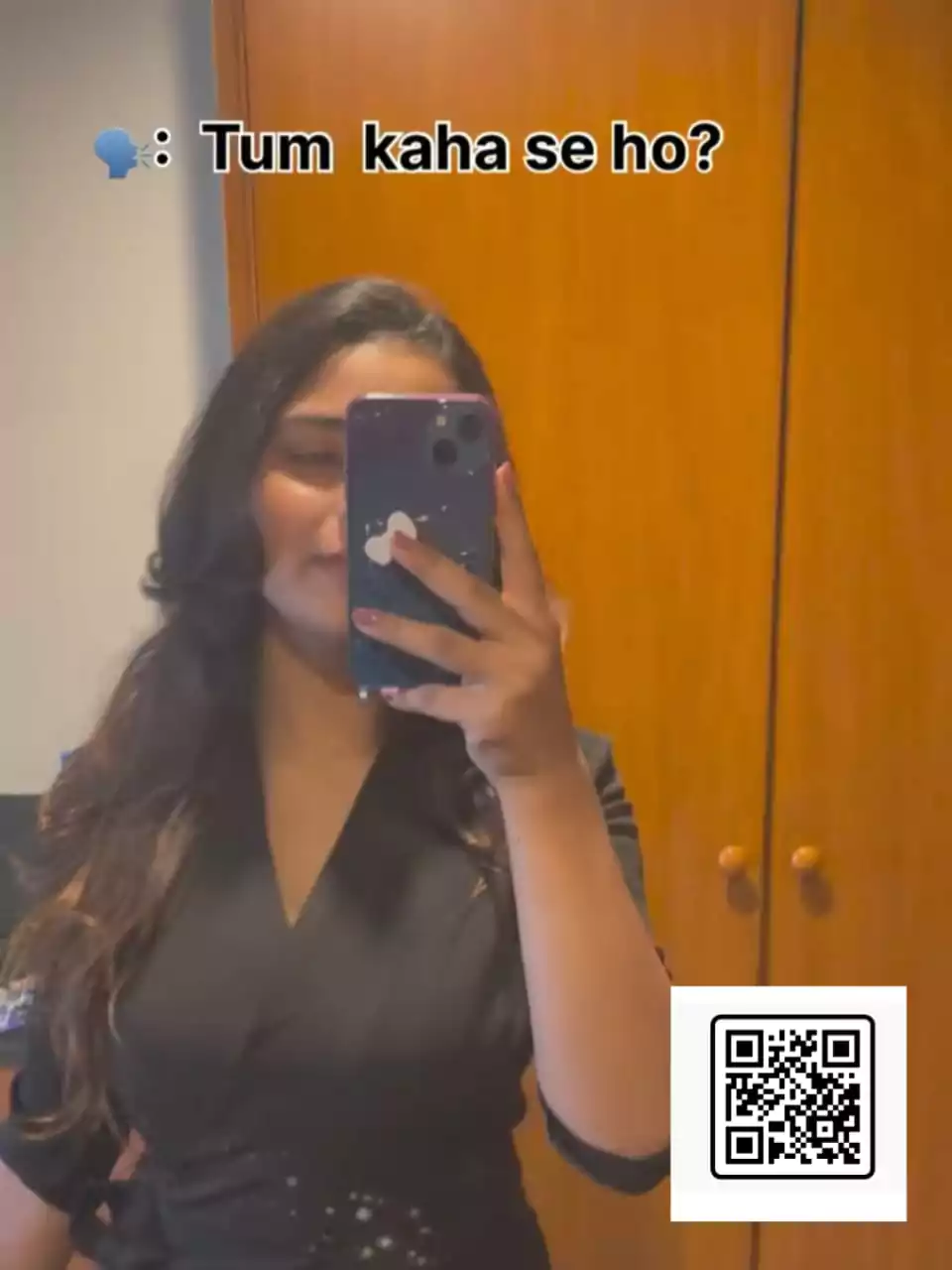
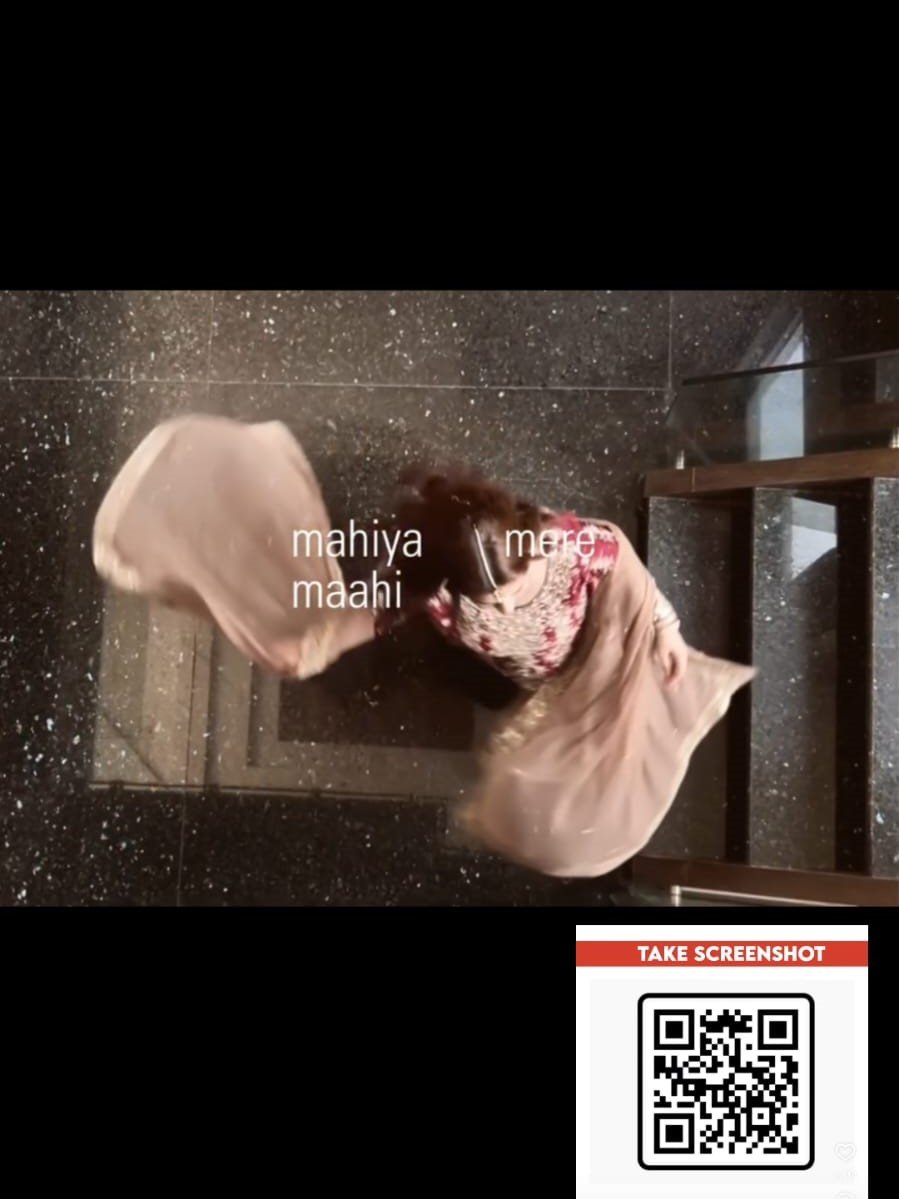
Notice that as the song plays, lyrics begin to appear along the side of the screen—these are the actual lyrics of the song, similar to what you see on Instagram. Just as you get a lyrics option when selecting a song on that platform, these lyrics have been positioned to the side and styled in yellow. Furthermore, you will observe that the video itself changes dynamically in sync with the lyrics. A total of four different video clips have been utilized here, and they switch in time with the music; however, the lyrics remain visible throughout the entire duration of the video. This creates a very appealing effect, and it utilizes a 4:3 aspect ratio. It is crucial that you pay close attention to this detail: you should record your video in this specific ratio beforehand.
Why is this code template trending so heavily?
Take a look at it: this template is going viral rapidly because the editing process is incredibly simple. It saves a significant amount of time, and—most importantly—it allows you to replicate the exact viral effects currently trending on social media. You can easily edit your content right here to match whatever is currently going viral. It is absolutely perfect for beginners; even if you possess absolutely no editing skills, you can still effortlessly create a professional-quality video just like this.

How To Use Suit Suit Karda VN Code Template
Now, here is how to use it. You need to install the VN Editor application. Next, you must save the code from here. Once saved, open the VN Editor application, where you will find a ‘Scanner’ option. Click on it to access the scanning feature. From there, select the code; by navigating to the Gallery option and selecting the code, you will gain access to a project. Download this project, and an option to use it will appear. Click on it to add your own clips—you will need three to four clips for this project. Finally, click ‘Next.’ This will generate your video, perfectly synchronized with the lyrics and the music.
Compare Between VN Code Vs Capcut Template
Let’s compare VN templates versus CapCut templates. Here, I will explain the differences between the two. With VN templates, you are required to import a specific code, whereas with CapCut templates, you are provided with a direct link. In the case of VN codes, you have very limited control over the editing process; however, CapCut templates offer you much greater control. In terms of simplicity, editing using VN codes is the most straightforward and easiest method, whereas editing with CapCut templates tends to be slightly more complex. Regarding customization, VN templates—which rely on codes—do not offer many options for personalization, whereas CapCut templates allow you to customize a much wider range of elements.