Trending Lyrics VN Code Template – Nowadays, people are extensively utilizing “code-based editing”—specifically the kind involving unique codes—to create videos on Instagram and other social media platforms; among these, lyric-based editing is arguably the most prevalent trend you’ll encounter. While this style of lyric editing is actually quite simple to create—something you might not have realized—in this article, I will provide you with a comprehensive guide that will resolve all your related issues. I have already shared one such code with you so that you can get started with your editing right away; in the future, I will continue to keep you updated with even more codes, enabling you to create even more spectacular edits.
Details Of Trending Lyrics VN Code Template
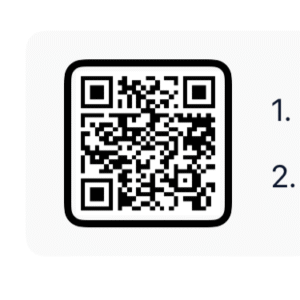
What exactly is this “code-based editing”? It essentially involves a code template. The way it works is that the VN Editor provides you with an option to scan this code to retrieve a specific project file. Once you have access to this project, you can use it as a foundation to create your own edits. This means that elements such as transitions, cinematic effects, color grading, and filters—among other features—are all pre-applied. All you have to do is insert your own video clips, and the rest of the editing process takes place automatically.
What Accounts For The Popularity Of VN Codes?
One key reason for their rising popularity is that the editing process involved is remarkably simple. Furthermore, the app does not impose any watermarks. It offers an incredibly smooth editing experience, providing you with a level of control that feels truly professional. You can export your projects in full HD quality, and templates are readily available—and just as easy to use. In this article, you will learn how to utilize a VN code, followed by tips and strategies to help make your videos go viral.
Your Eyes VN Code


Mujhe Tum Yaad Aate Ho
How To Use Trending Lyrics VN Code Template
Using codes has become incredibly easy in today’s times. First, you need to open the VN Editor application. Within it, you will find a scanner option. As soon as you click on it, you can use it to scan a code displayed on another phone; however, if you wish to do this directly on your own device, you will find a ‘Gallery’ option available there. Click on this option, and then select the specific code from your gallery. Next, you will be presented with a project file; proceed to download this project. Once downloaded, click ‘Use’ to add your own video clips, and your finished video will be ready for you.
Conclusion
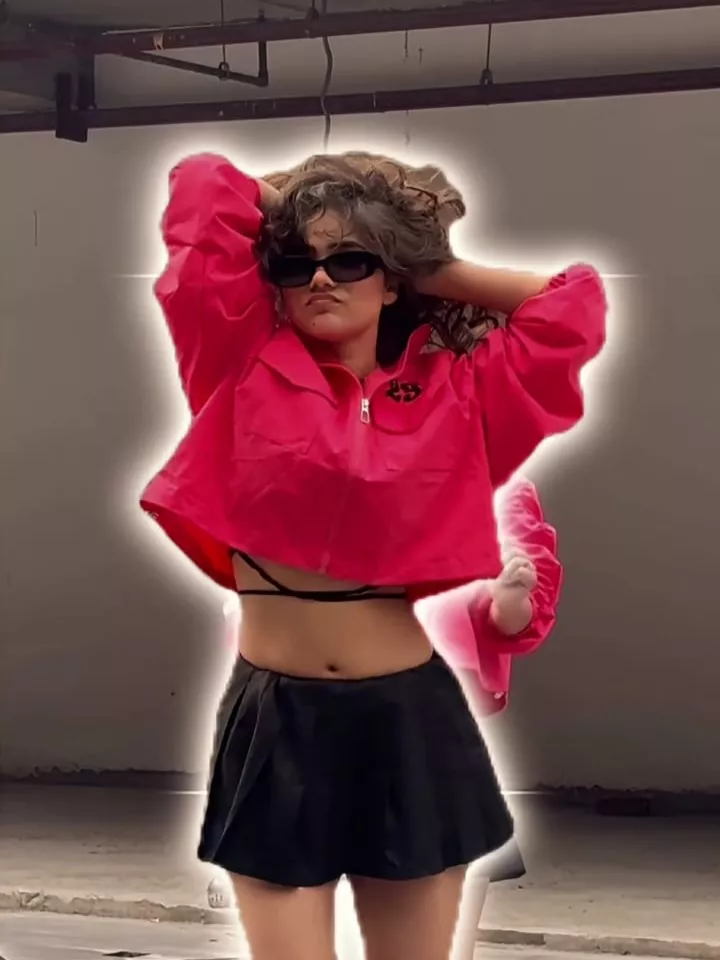
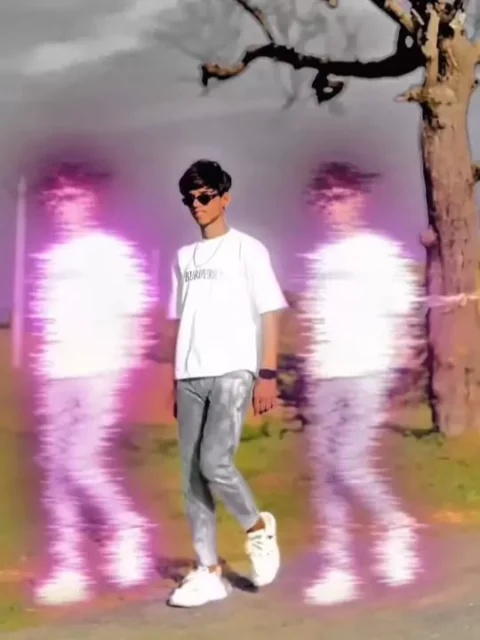
As for the effects most frequently used in editing, you will primarily encounter “motion blur.” Following that, you will see “beat-sync” style editing. Furthermore, you will also observe “cinematic color grading.” There are many other effects and features as well; once you give it a try yourself, you will get a clear idea of what is involved.