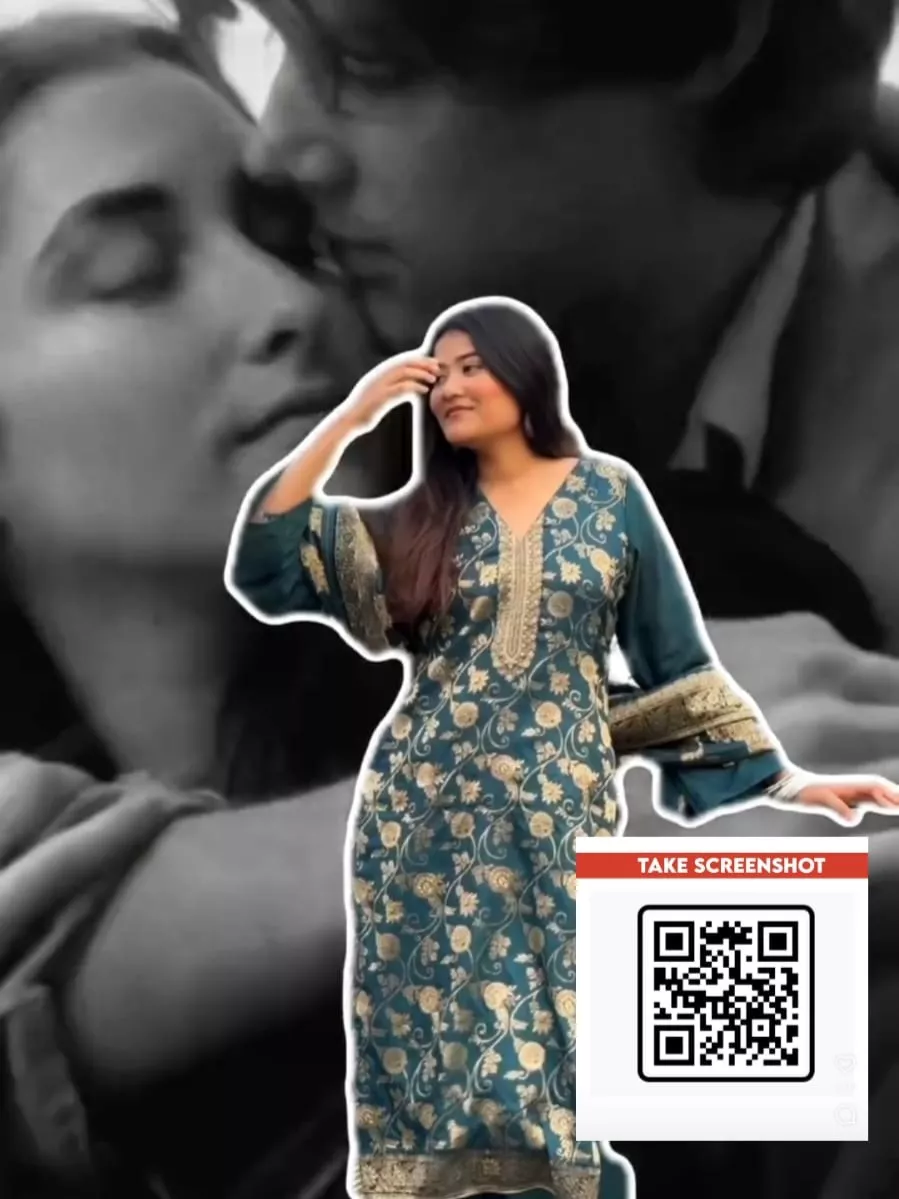
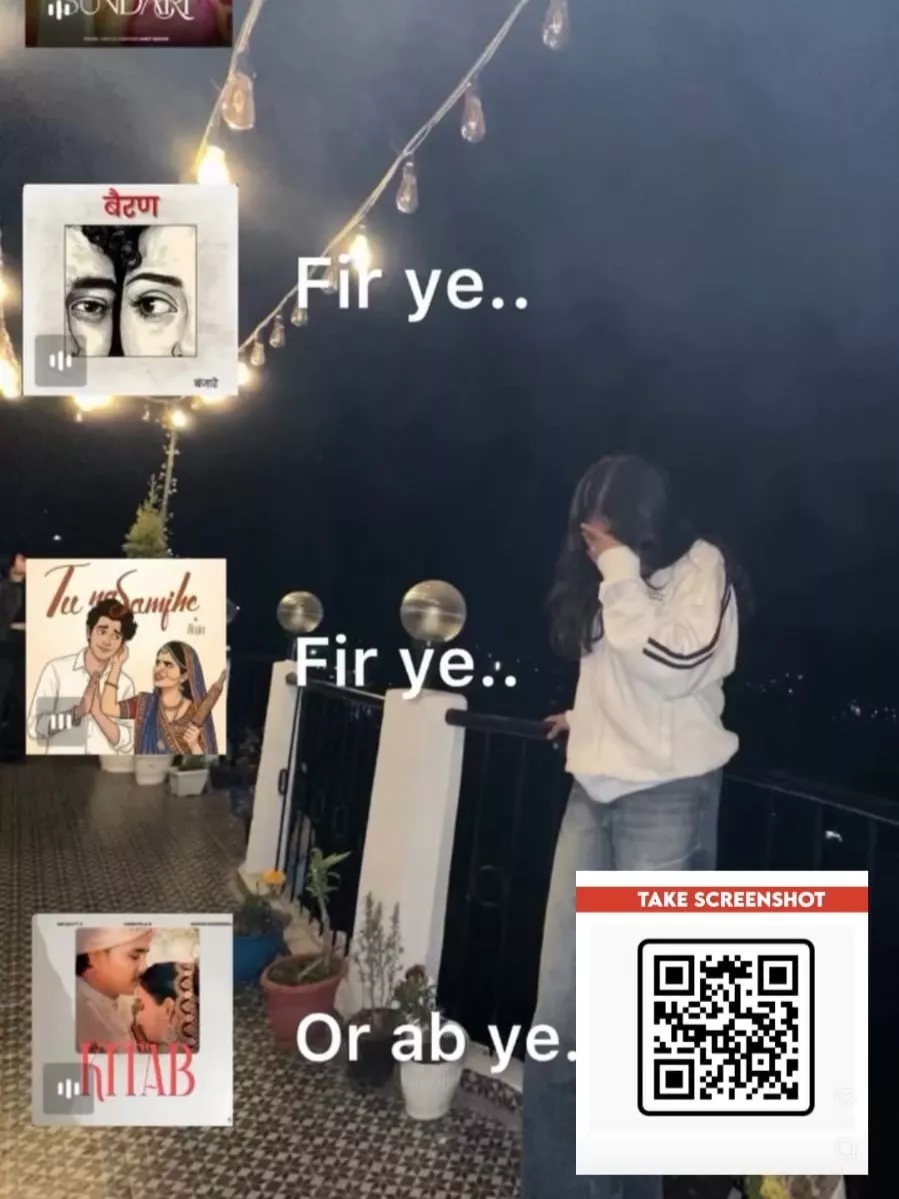
Raanjhanaa VN Code Template – Even today, you can create such videos. People use Capcut’s templates for this, but I’ll show you how to create such an editing tool using code. Here, I’m going to teach you how to create a memory flashback effect, a type of editing tool that’s becoming very viral on Instagram right now. Creating it is the easiest task these days. If you want to create one, I’m going to show you the simplest method. Using the Vn code template, you can create this cinematic effect in a more professional way. If you want to use it, we’ll understand it in this article. How to create this editing tool in the editor. How to create a video using this tablet.
What Is This Memory Flashback Effect?
It’s a simple effect that freezes a frame of your video, and then shows old memories in the background. These don’t necessarily have to be your own old memories. Some video clips are added that have gone viral on Instagram. They’re used as the background! One thing to keep in mind here is that the frozen layer is set with a cutout effect. Its opacity remains full, but the background layer is kept slightly smaller so that the highlight is your video, or the flashback video you’ve added. Let me tell you how, if you want to use it, we’ve provided code for it. It makes editing easy even for those who have never done any editing before.
How To Use Raanjhanaa VN Code Template
Let’s understand the process of creating videos using code. Editing is a simple task these days. What you need to do is first use the code we’ve provided here. You’ll need to import it. Here’s how to do it in the VN Editor: Just do it. Now, open the Vn Editor application and find the “Show” option at the top. Click on it, and you can scan the code. What will happen next? You’ll get a project. Now you’ll need to download it. Once you download it, the project will be saved in your VN Editor application. Then, click on the “Template” option. From there, you can add your clip. Add any video clip you have there and simply click “Next.” Your editing will be complete.

Why Does This Edit Feel Emotional?
Why do people relate to it? First, the person standing in the front layer is lost in their memories. So, you can add your own photo and get lost in your memories. It’s also a bit visually appealing because people are attached to their old memories, and when they remember those things, they pause. And the memory flashback effect in the background keeps it running rapidly, and that’s how our brain works. Just like when we suddenly recall old memories, things play out in a similar way. This psychology makes this edit so deep. Because of this, people are now busy editing it in the simplest way possible.
Conclusion
The effects of the VN code template are applied automatically, not manually. This makes it ideal for those with no prior knowledge of editing. Simply add your video clip, and any editing transitions and other elements added are automatically applied to your video. I hope you enjoy this editing experience. That’s why this template created in the VN editor is so popular.