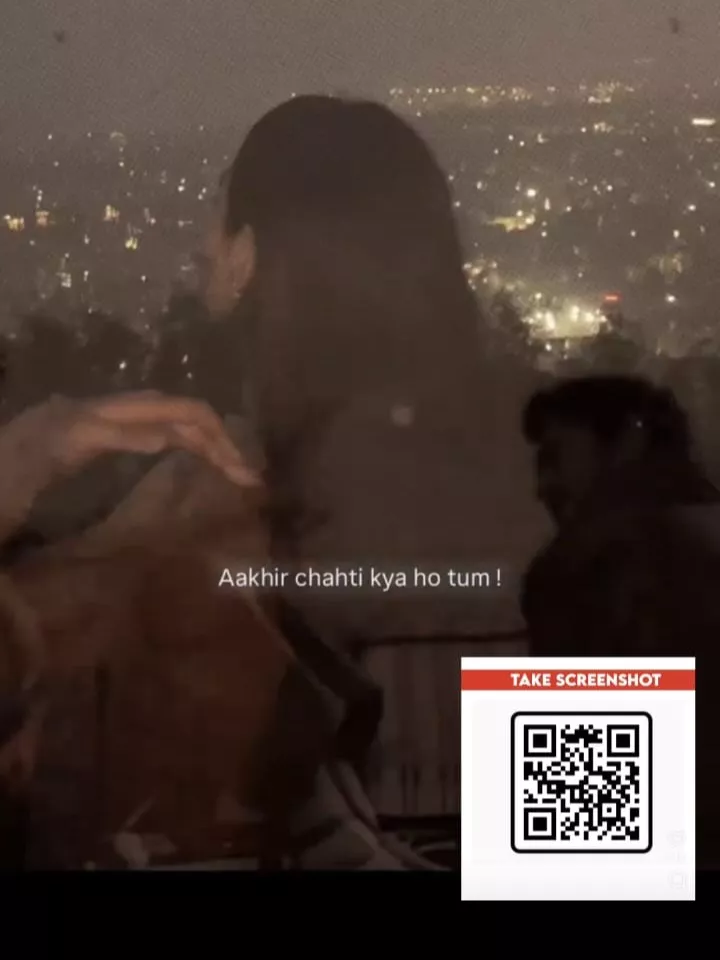
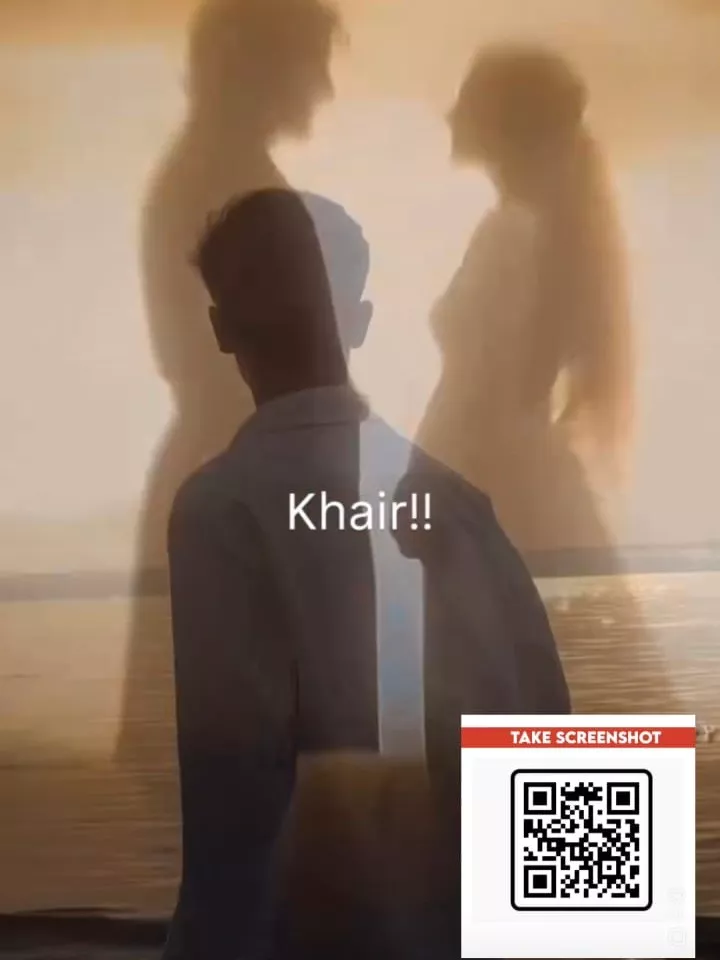
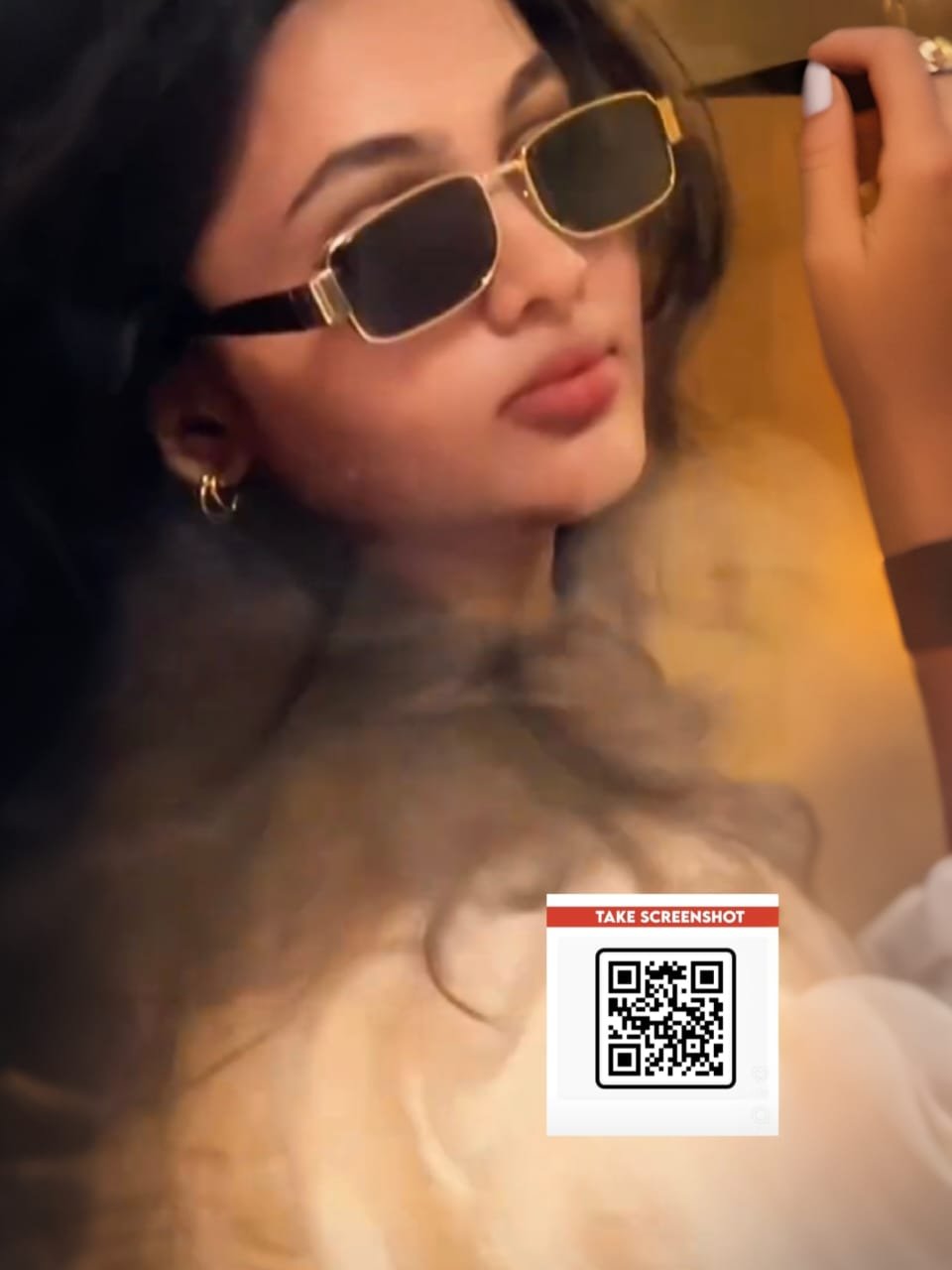
Ek Tarfa Vn Code Template – Currently, a song is trending on Instagram Reels, and the most popular reel features a female voice saying “ego” as text appears on the screen at the beginning. After that, something different happens; your video appears, with the text displayed in various fonts. It looks really cool. If you want to create this viral edit, I’ll show you how, because it’s incredibly easy. I’ll explain the simplest way to create it and potentially go viral. Let me explain it step by step. Follow along and create your own!
How To Record Your Video
Before you start editing, understand what you want to achieve. First, record your video. Use a mirror for this, as it allows you to record only the upper half of your body. Most of the video features a half-body shot, which makes it look really cool and classic. When the video starts playing, lyrics appear that sync with the song. The lyrics are only visible for a short time on the video clip. The lyrics are displayed in small text, and that’s where our editing magic happens.
Details Of Ek Tarfa Vn Code Template
Yes, at the beginning, we see the text “Female Ego,” which changes in different fonts. The text remains the same, but it changes in different fonts. You can also change the text. I will try to add this feature. If it works, great, otherwise, no problem. Just leave it as it is. Now, just focus on the trend. It’s like this, where the black and white elements match quite well. When they match perfectly, that’s when our video looks absolutely perfect. It appears there, and then the lyrics appear on top of the video. Two or three small clips are used there. And that’s how our editing is completed.
For Girls:-

For Boys:-

How To Use Ek Tarfa Vn Code Template
Now, how can we create a video using this code? It provides amazing results. We have provided the VN code for you here. What you need to do is use this code. After doing that, open the VN video editor application. You can find it on the Play Store. Go to the scanner option and select your video clip from there. Once you select it, go to the next step, and you will find a project there. You need to download this project because it is saved within your application. In the future, if you ever want to use it again, you can simply open and use it. Download it, and then click on the template option. After that, you need to add your clip. Your editing will be completed perfectly.
Conclusion
This way, you can create powerful, attitude-based edits with text animations and stylish video clips, resulting in a professionally edited video. You’ll surely love the editing. I hope that if you want to do this kind of code-based editing, I’ve explained everything step by step, and you’ll get excellent results.