2025 Recap Vn Code Template – Every year, the recap trend on Instagram becomes incredibly popular. You’ll see many people creating these recap videos on Instagram. Currently, the 2025 recap videos are going viral, so I’ll explain how you can create these recap videos, as they can be quite difficult to make. They require many clips, and adjusting them is challenging. If you’re a professional editor, you might be able to do it, otherwise, it’s not really possible. But in this article, we’ll understand what this code is and how to do trending editing using this code. We’ll explain how to use many clips together in this process.
What is this recap template?
Well, it’s a pre-made editing structure that uses VN editing code. First, you’ll need to add multiple clips effortlessly. You can easily add multiple clips. The grid and collage effects are automatically adjusted in this template; you don’t need to do anything manually. You’ll also find smooth zoom and slow motion effects. The editing is perfectly synchronized with the music. This is exactly what people want because creating this kind of editing usually requires a lot of effort. But here, you can create it simply by adding clips using the code.
How is editing done with this VN code?
This is an advanced editing method, but it’s actually quite easy to do, and once you understand it, you’ll be able to easily work with any such code. In this editing method, everything is pre-set. A layout is already prepared. You just have to replace the clips. This means you have to change the preview that’s shown to you and place your own clips there. After that, you don’t even have to manually apply transitions or anything like that. They are applied automatically. You just have to click next, and your video is ready. The VN code is also popular because it’s beginner-friendly. This means that even beginners can easily use it for editing.

How To Use 2025 Recap CapCut Template ?
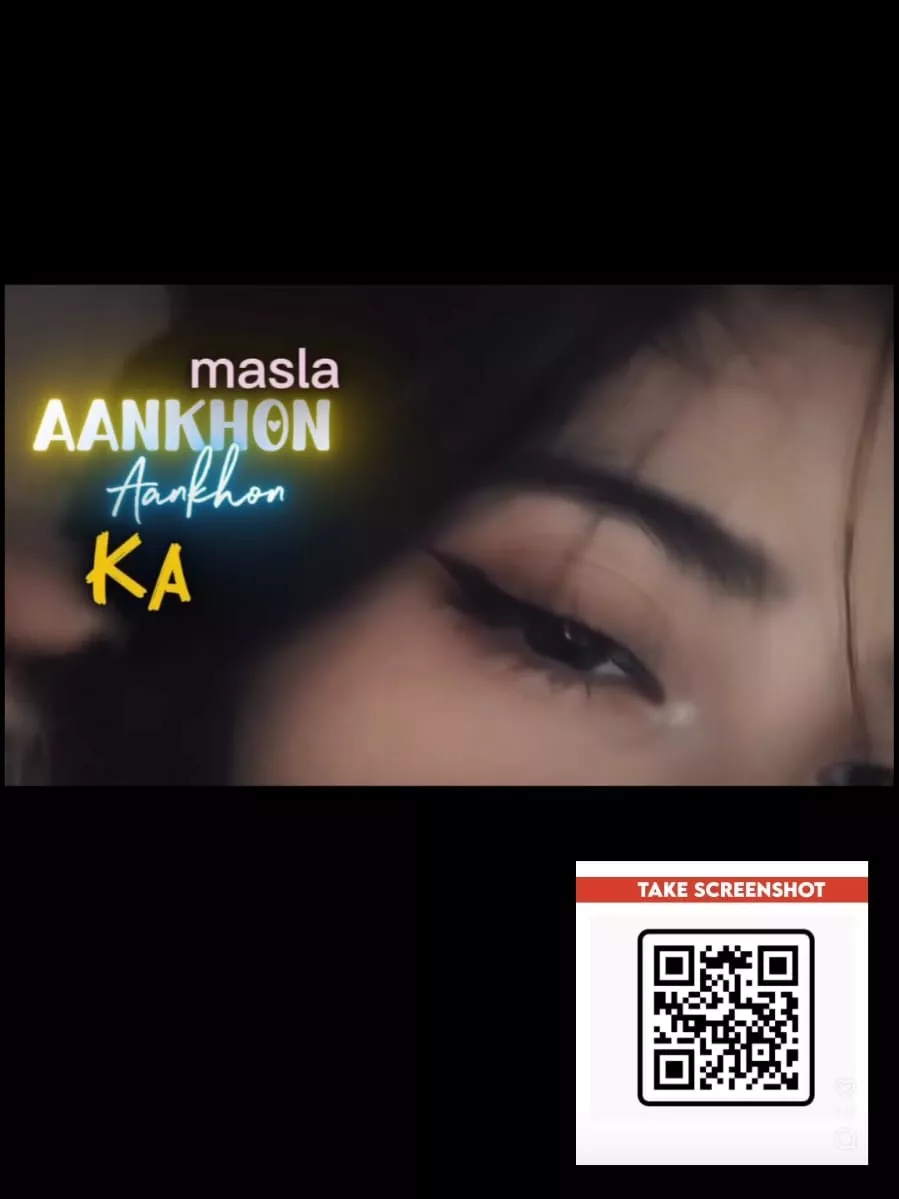
How to edit the code? It’s a very simple process. First, you need to open the VN editor application. You’ll find a scanner option there, located at the top. You don’t need any kind of subscription for this; it works completely free. So, click on the scanner option and scan the code. You can scan it with another phone, or you can use the gallery option. Go there and select the code. You will get a project file. Now you need to download it. Then click on it. After clicking, you need to add your clips there, as many clips as required. Add them and then click next, and a preview of your video will be ready. If you think your preview looks good, you can then save your video.
How to make this video go viral?
It requires a strong start. You need a compelling opening that will make the audience watch your video. If you’re using boring clips, and you think those clips aren’t good, then don’t use them at all. Here, you can add all your memories from 2025 to this clip. You’ll get the option to add at least 10 to 20 clips. After that, you need to pay close attention to the hashtags. Add hashtags like #2023, #NewYear, and #Editing, and include some New Year-related things in your caption.