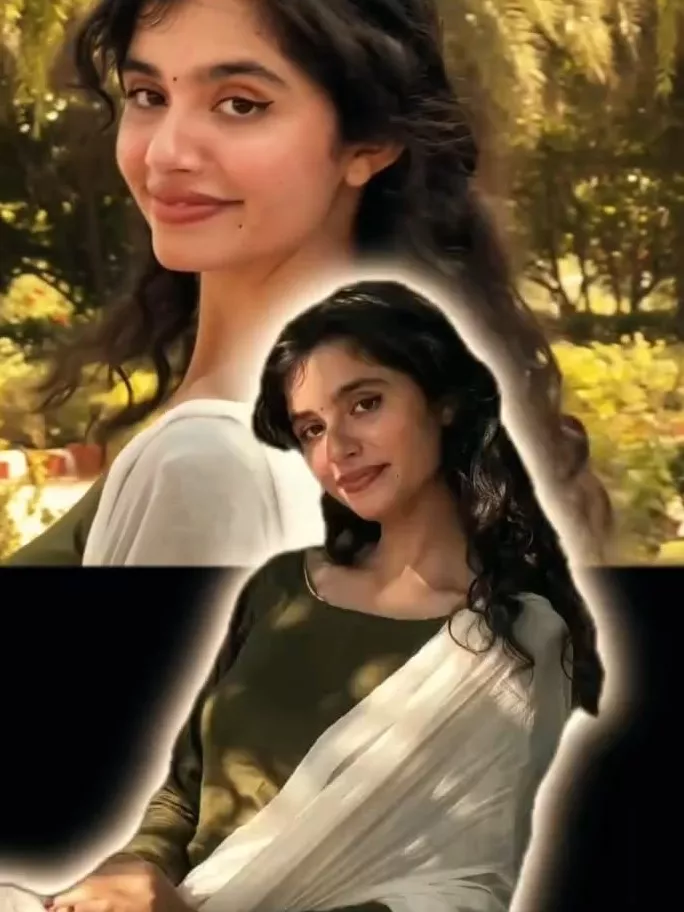
Instagram Profile Crayon Drawing AI Editing Prompts – A new trend is going viral on Instagram. You may have noticed the profile-style images currently appearing on various Instagram pages—creations that are proving to be immensely popular with users. In today’s landscape, mastering this type of editing could very well be the key to making your photos—or even your entire Instagram profile—go viral. While you can create such profiles using any AI tool, I will introduce you to a specific, specialized tool that allows you to generate them with ease and completely free of charge. I will provide a detailed, step-by-step explanation of exactly what resources are required for this process and how to utilize them effectively. Furthermore, I will walk you through what kind of results you can expect to achieve. Please read this article carefully.
Details Of Instagram Profile Crayon Drawing AI Editing Prompts
The edit we are about to create is a “crayon-style” edit. As you may have observed, this style typically involves a profile picture that resembles a hand-drawn sketch—much like the artwork created using crayon colors. It features a vibrant array of multiple colors, giving the impression that you have personally crafted a drawing using those very crayons. You replicate your actual Instagram profile picture to create an exact likeness; however, we won’t be doing this manually. Instead, we will generate it using AI. The final result will look so authentic that it will appear as though we created it entirely by hand—as if we had sketched it ourselves. In reality, however, the entire process is executed using AI. We will walk you through exactly how this effect is created and explain how it manages to go viral.
What You Need For This Editing
Now, observe this edit that has been created. What resources and tools will we utilize to replicate it? First and foremost, understand that if you intend to create this edit, you should have a screenshot of your own Instagram profile ready, as we will be using it to generate this specific style of image. Do not use a screenshot of someone else’s profile without their explicit permission. Next, you will need to employ a tool such as ChatGPT, as it consistently delivers excellent results for this task. You may also use Google Gemini, though you might notice slight differences in the output. It is up to you to decide which tool you prefer to use; however, I will be demonstrating the process using ChatGPT.
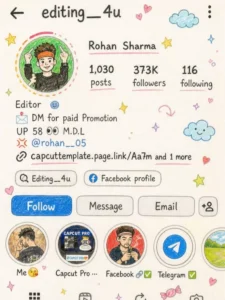
Transform this image into a cute, hand-drawnpencil + crayon illustration like made by atalented 10-vear-oldSketchy pencil lines, soft crayon coloring, visible paper textureSlightly imperfect, natural hand-drawn feel Use original colors but in soft pastel, slightly vibrant tonesSimplify Ul into doodle-style shapesFaces cute, expressive, slightly cartoonishText handwritten style (childlike but readable)Keep same layout with slight playful tilt and spacingAdd doodles: stars, hearts, clouds, sparkles, smiley, candySoft natural lighting with subtle papershadowsCozy, scrapbook, cute aesthetic Aspect ratio: same as original
How To Create Image Using Prompts
First, open ChatGPT and paste the prompt there. Regarding the prompt, please ensure that you use the exact text provided in our article; simply copy it directly from the article. Next, open ChatGPT again, click on the “plus” icon, and upload a screenshot of your profile. Following that, paste the prompt—the one we provided in the article—into the text box. You will then need to make a specific modification to the prompt: locate the placeholder for the username and replace it with your own actual username. Once you generate the result, your profile image—complete with your username—will be ready, matching the expected output perfectly, and you are sure to be delighted with the result.
Conclusion
You will definitely like this trending Instagram edit because I have explained this editing to you very well and if you have understood this editing or if you face any problem in it then ask us, we will explain to you how you can do this viral editing and how you can get the best results from it?