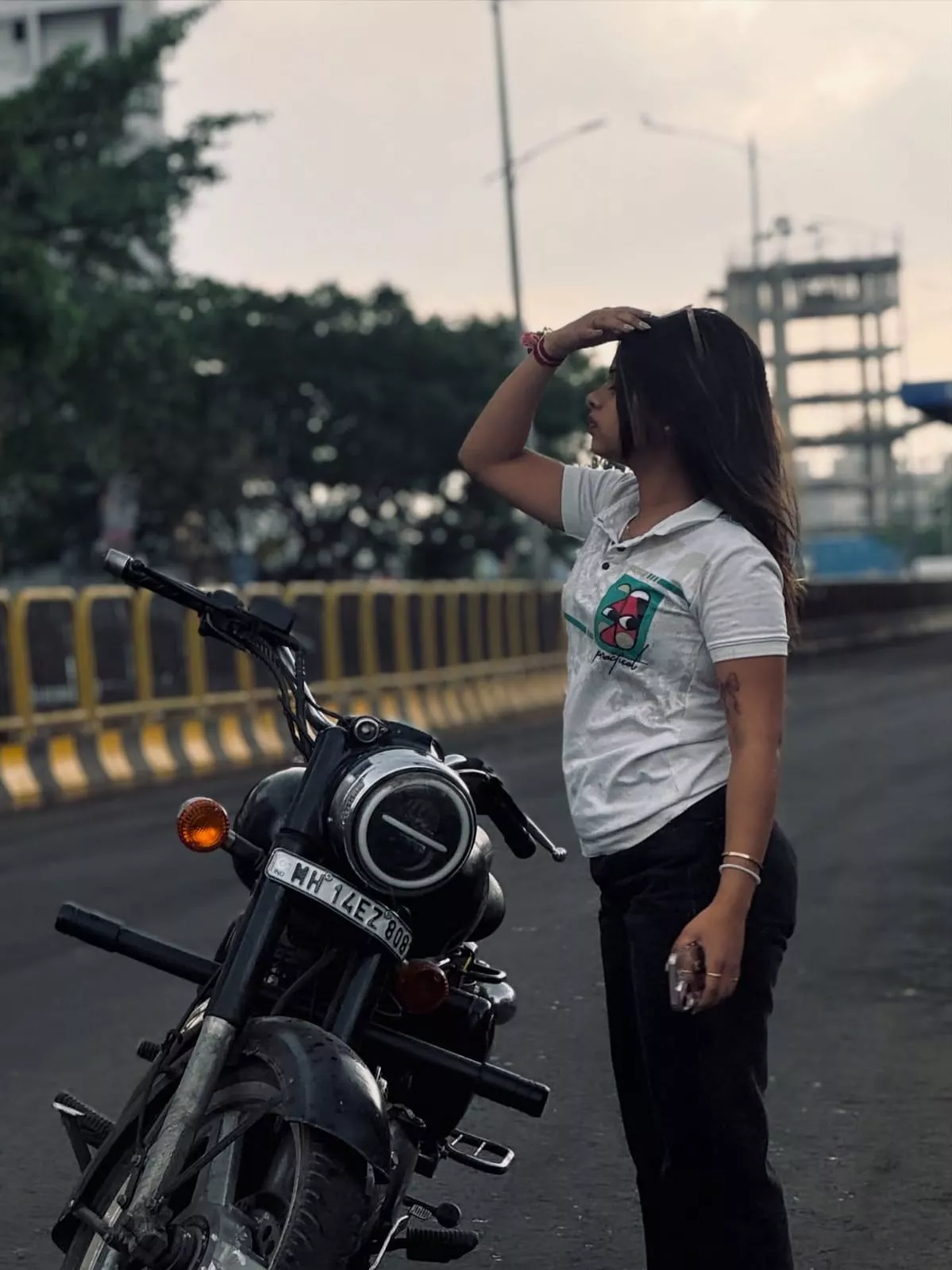
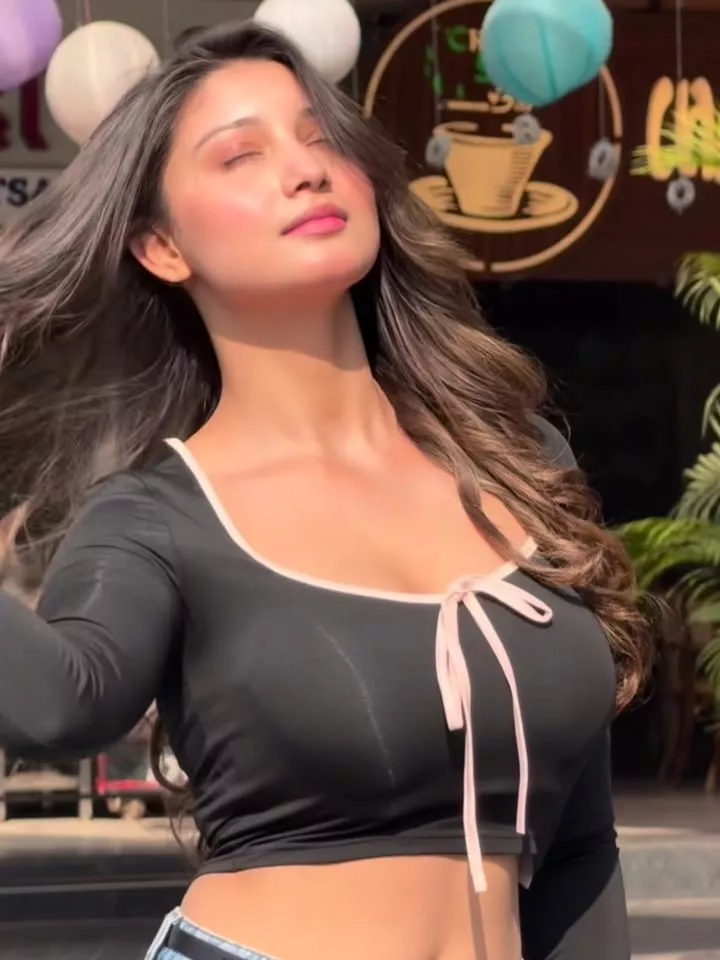
Lost Love Capcut Template – Slow-motion videos are still very popular on Instagram. These videos feature various reactions and can have different styles. Everyone has their own unique style; some create walking videos, while others focus on facial expressions. Since everyone has their own creative approach, I thought it would be a good idea to provide a template for this trending video style. This template will allow content creators to add their own clips and present them in a professional manner. In this article, I will explain how to use this template and the different effects it includes.
What Is This Slow-motion Template?
Look, at the very beginning, you see a completely normal effect. The video starts with a blur effect. Then, when the clip changes, the first clip will be completely blurred. Keep something interesting there for when your video is revealed. The second clip will play with perfectly smooth slow motion. Then, your third clip will appear. You’ll see animations there. These animations have been added according to the beat of the music. This fits perfectly with our video/song, which is why people are making it go viral. Many people want to create similar edits.
Editing Process And Workflow
Let’s understand the entire editing process and its workflow. At the beginning of the video, you’ll see a blur effect. The entire first clip will have this blur effect. When that clip ends, the next clip will appear. Now, in this second clip, you’ll see a very smooth slow-motion effect. Then, when the second clip ends, the third one begins. Now, notice how the transitions between the clips are handled. The animations in the transitions are perfectly set. They are timed precisely to the beat of the music. After that, the third clip also features a smooth slow-motion effect. And just like that, your video is ready, perfectly matched to the song. Your editing is also perfectly done.
How Will You Do The Editing With Lost Love Capcut Template
We have provided a template here. You will find a button below. It will work for those who have CapCut installed. If you don’t have CapCut, then this won’t work for you. If you want to use it, just click on the button here. It will open directly in CapCut. There, you will get the option to select a video. You can select your best video from there. After selecting, go to the next step and check the preview. If you think the editing is correct, then export it. I’ll tell you the export settings. Keep it at 1080p 60fps. This will ensure your video quality never deteriorates, whether you upload it to Instagram or YouTube.
Conclusion
See, this is how you can create an attractive video in a simple way, one that looks both simple and appealing. It matches the song perfectly, and the editing is quite amazing. Your video will also turn out great. Once you watch this video, you’ll get an idea of how fantastic the editing is. I’ve already shared all the editing details with you. Now, tell me, what do you think of the results?