Tere Naina VN Code Template – On Instagram, you will notice people utilizing various new editing tricks to craft their content. Let me tell you: in today’s day and age, performing this kind of editing is no longer a daunting task—provided you know the correct method. Just as you create videos using CapCut templates, you too can produce an excellent video by utilizing these specific code templates. One such video is currently going viral. We will recreate this video using the aforementioned code, and we will also demonstrate exactly how to apply this code to produce a stunning video of your own. If you are interested in learning how to do this, I have provided a step-by-step guide in this article; simply follow these instructions to create your own impressive video.
Why Is This Edit So Popular?
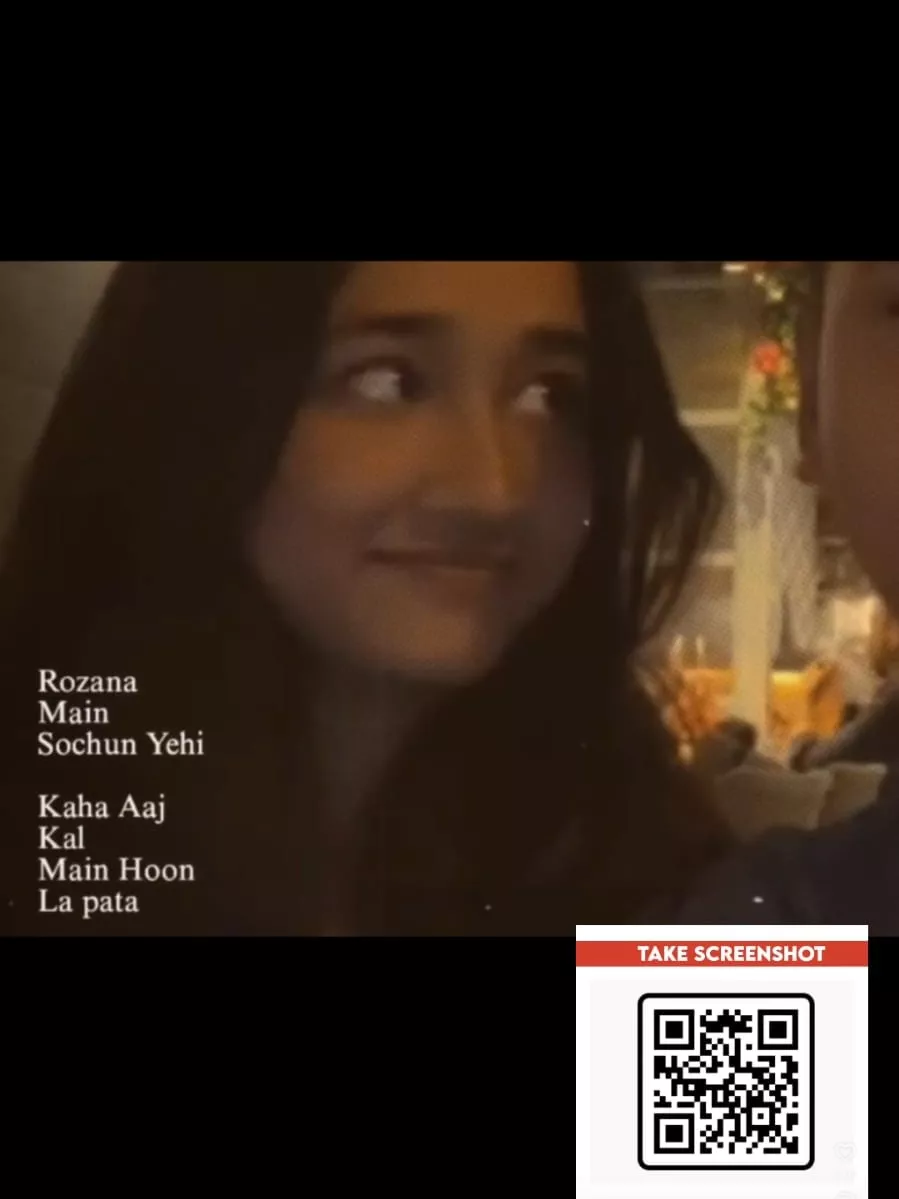
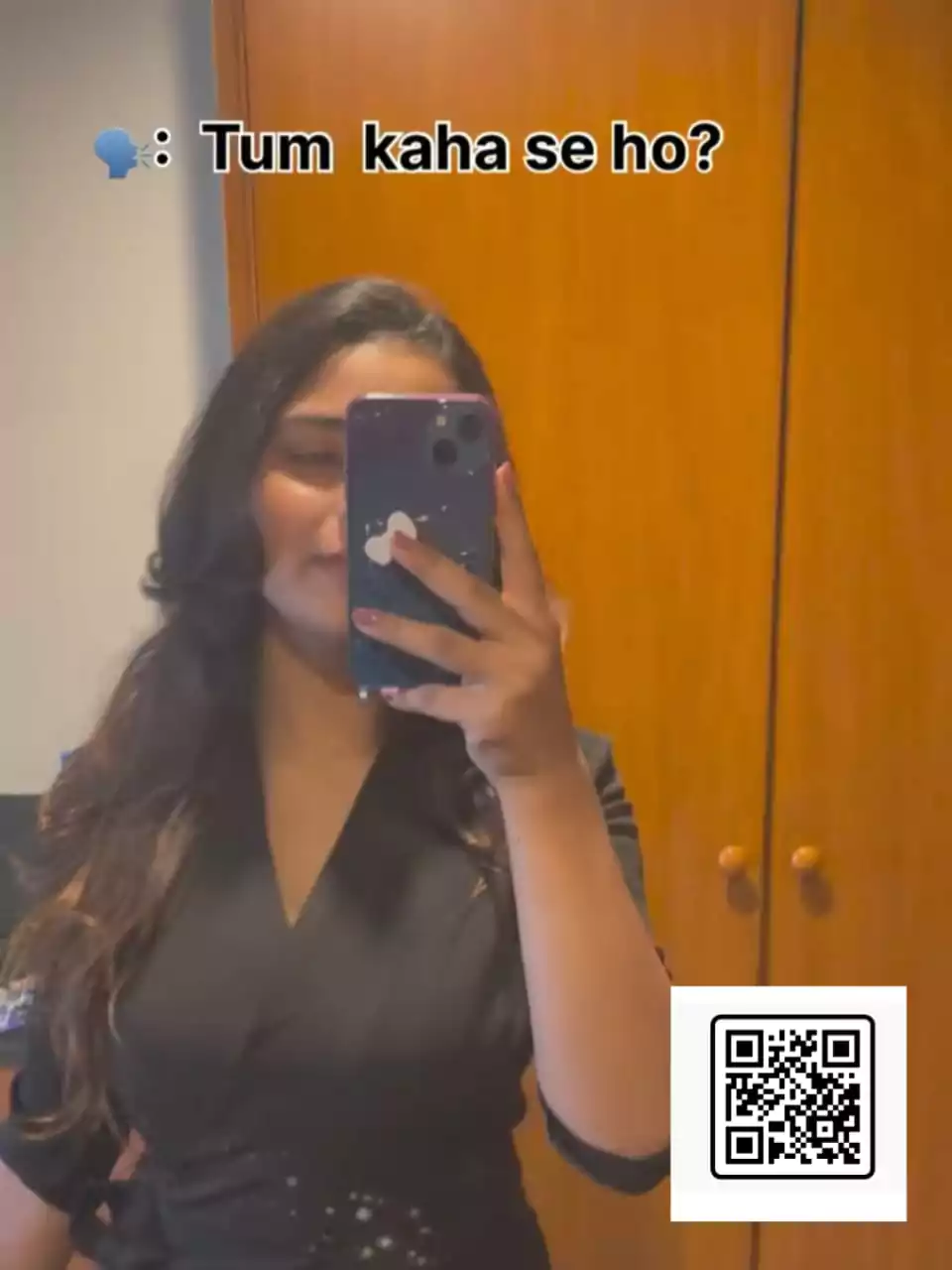
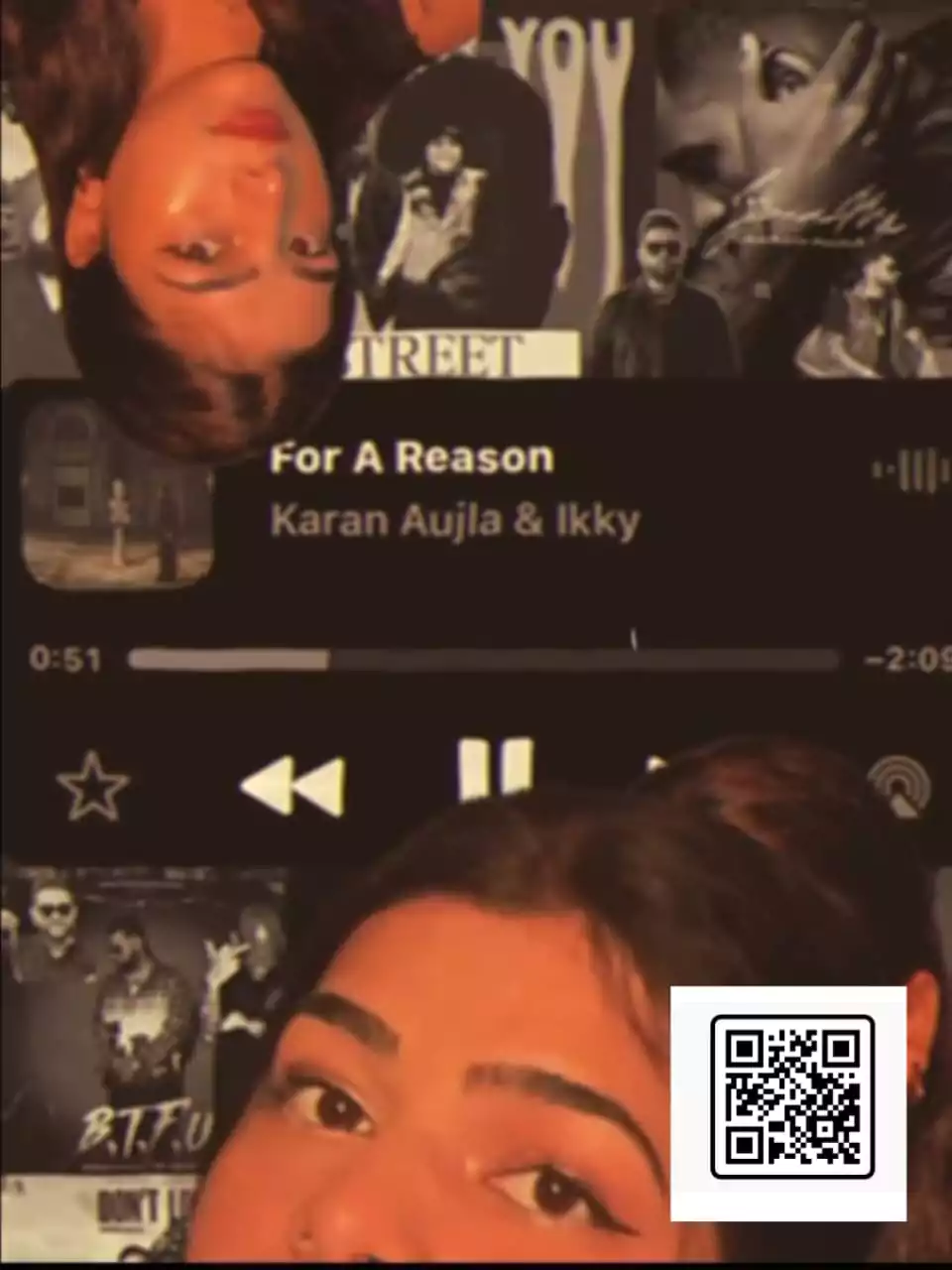
The editing is perfectly synchronized with the song; for instance, as each lyric plays, a corresponding video segment is revealed—essentially acting as a single frame. Within that frame, three or four distinct clips appear simultaneously; that is how this effect is created. Whenever a lyric appears on the screen, a specific clip pops up; then, as the next lyric appears, a different clip follows. This process continues, generating a series of clips—all within a single layer. Subsequently, as the beat intensifies, a rapid succession of clips flashes across the screen, followed by the appearance of a standard still photograph. That is the entire process. This edit relies entirely on the use of photographs, and the results are truly spectacular. Once you watch the preview, I am sure you will find the concept quite impressive as well.
How to Use Tere Naina VN Code Template
Let’s first understand how to perform this type of code-based editing. We will approach this in the simplest possible way. To begin, open the VN Editor application. At the top of the screen, you will find a ‘Scanner’ option; tap on it to access the code scanning feature. From there, click on the ‘Gallery’ option to select and import the specific code you wish to use. This will load the corresponding project file. Once the project has downloaded, you will be presented with an option to ‘Use’ it. Now, simply add your own video clips—insert as many clips as are required for the project. Next, click ‘Next’ to preview the final result and verify that your audio and video are perfectly synchronized. If you are satisfied with the outcome, proceed to ‘Export’ the video, and you can then share it directly to Instagram.

How To Make Video Go Viral?
To understand the strategy for making a video go viral, observe this: first and foremost, you must effectively utilize a “hook” in your opening clip. In this specific example—where the song and video have been edited together—the hook has been employed exceptionally well; as the video is revealed in sync with the music, it immediately captures viewers’ attention and makes them want to watch it closely. Furthermore, you will notice a “perfect sync”—the visuals align flawlessly with the beats of the music. When uploading to Instagram, ensure you use relevant hashtags that are currently trending. Finally, you should always keep the video’s duration between 7 and 15 seconds; this significantly increases the chances of it going viral.
Conclusion
VN Editor templates offer an excellent method for video editing, allowing you to create a perfectly edited video in a very short amount of time without requiring advanced timing skills. You simply need to add your clips, and the video is automatically generated, syncing itself to the beat. All you have to do is select the right clips to ensure you achieve the best possible results.