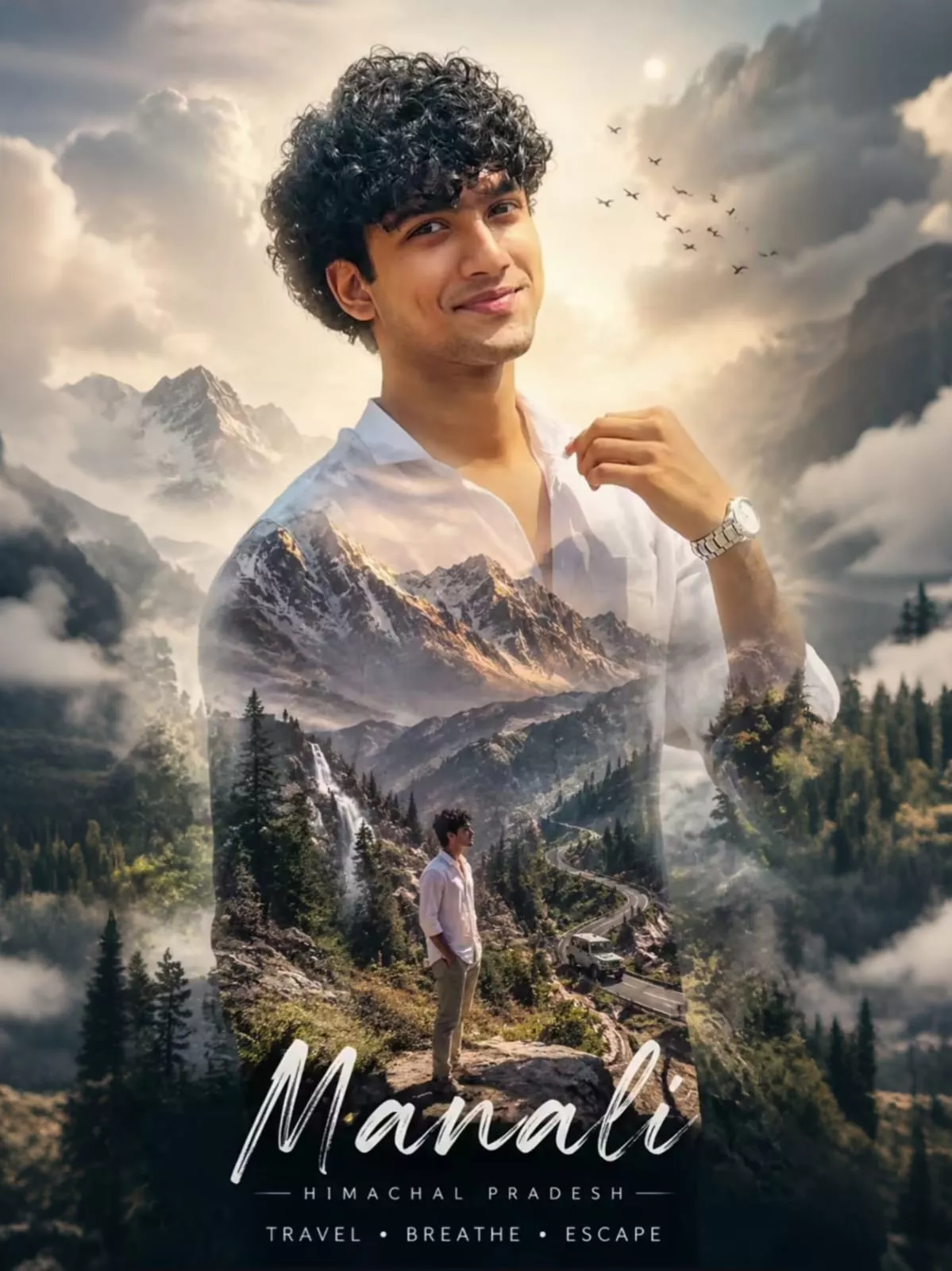
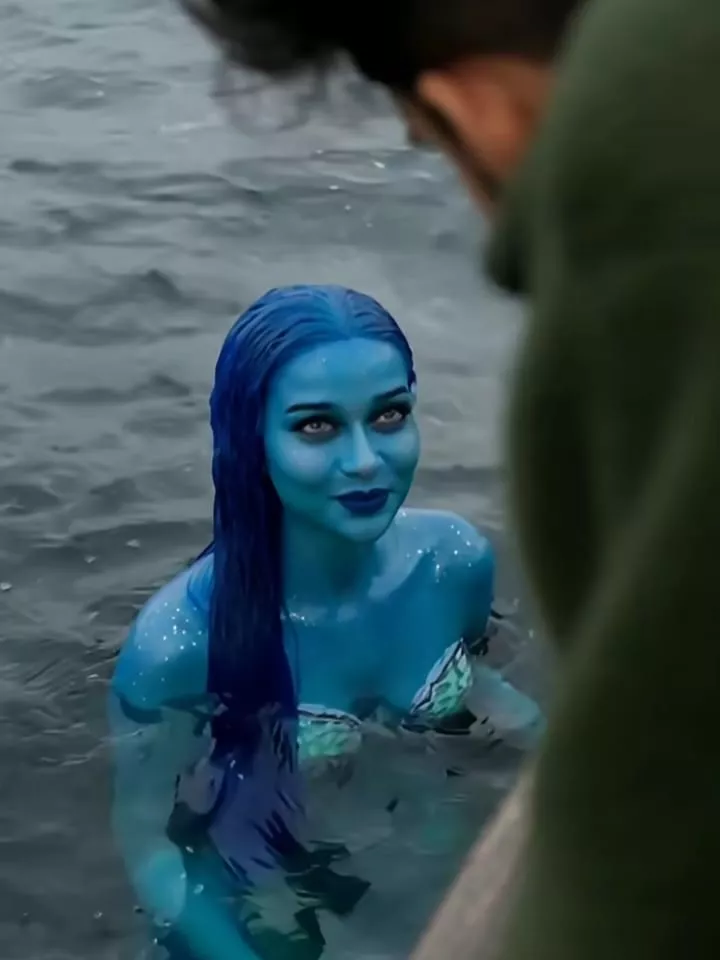
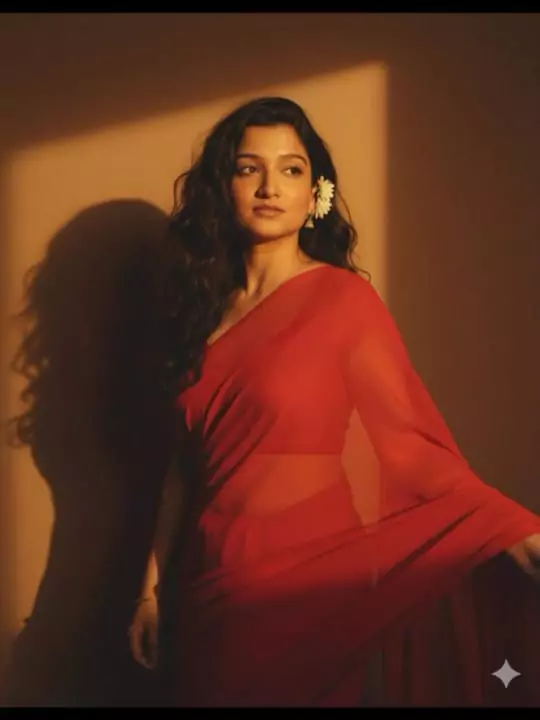
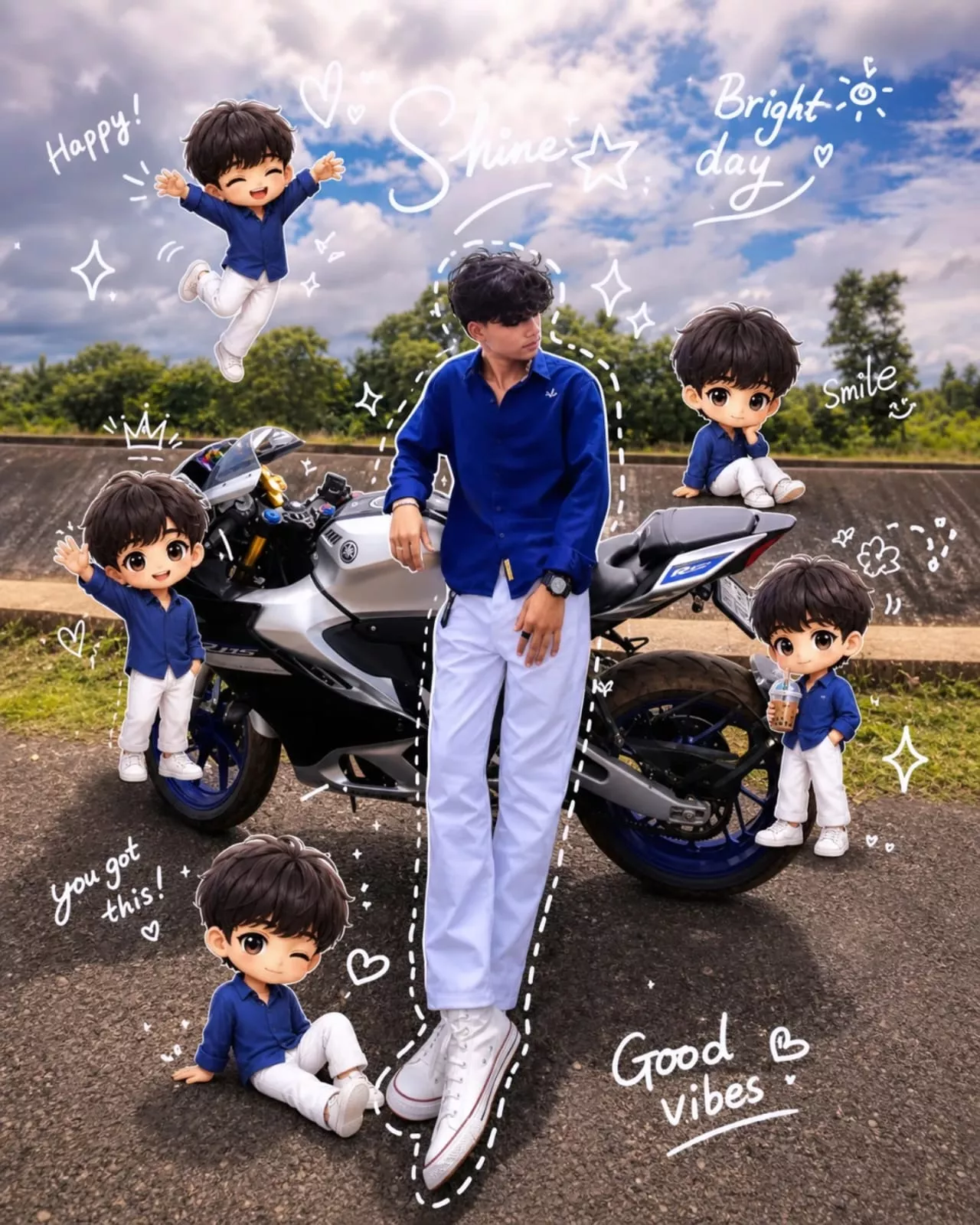
Trending Couple AI Video Editing 2026: AI-powered videos are becoming one of the biggest trends on social media platforms like Instagram Reels, YouTube Shorts, Facebook, and TikTok. Every day, thousands of creators are using artificial intelligence to create eye-catching videos that look highly realistic and entertaining. One of the latest viral trends is Trending Couple AI Video Editing, where a person appears in a cinematic scene and an AI-generated partner walks toward them, creating a beautiful romantic moment.
The best part is that you don’t need professional editing skills or expensive software. With modern AI video generators, you can create these trending videos directly from your smartphone or computer within a few minutes.
In this guide, you’ll learn everything you need to know about creating a viral AI couple video, including the recording process, AI generation steps, useful tips, and customization ideas.
What is Trending Couple AI Video Editing?
Trending Couple AI Video Editing is an AI-powered editing style where a real person’s video is combined with an AI-generated character to create a realistic cinematic couple scene.
In the viral version of this trend, the creator first records a short video while setting up the camera. After placing the camera, the person walks backward and stands sideways as if waiting for someone. Suddenly, a gentle breeze appears, and an AI-generated woman wearing a beautiful traditional Indian saree walks toward the creator. As she gets closer, the video transitions into slow motion, creating a romantic and emotional atmosphere.
Although the female character is completely generated using artificial intelligence, the final video looks almost identical to a real-life recording.
Many creators are sharing these videos because they receive excellent engagement, likes, shares, and comments across social media platforms.
Why is This AI Video Trend Going Viral?
There are several reasons why this editing style has become incredibly popular:
- Creates cinematic and emotional storytelling.
- AI-generated characters look highly realistic.
- Easy to create using modern AI tools.
- Perfect for Instagram Reels and YouTube Shorts.
- No advanced editing knowledge required.
- Generates high engagement on social media.
- Fully customizable according to your imagination.
Many content creators also publish these trending prompts on websites like Rohan Editz, making it easier for beginners to recreate viral AI videos with minimal effort.
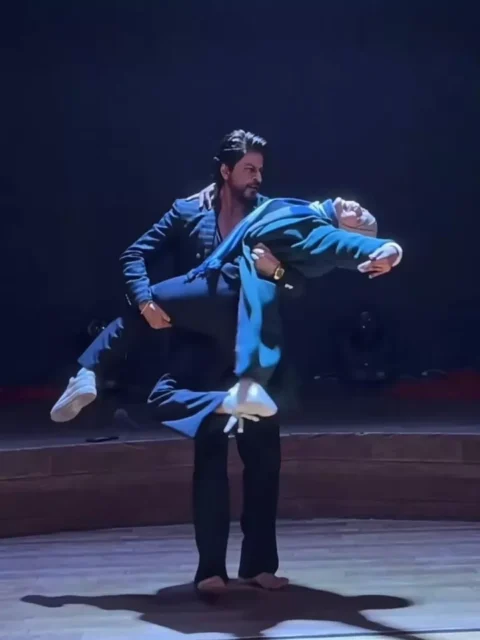
A cinematic ultra-realistic 4K/8K video (9:16) of a young man wearing a black textured blazer over a black button-down shirt and black trousers, barefoot, and a young woman with long open flowing hair wearing a teal-green long coat, a blue-and-grey striped scarf, black trousers, and beige ankle boots, performing an emotional expressive dance together on a dimly lit circular wooden stage, dramatic single spotlight illuminating them from above against a deep black background, theatrical premium cinematic look with rich full color grading — warm skin tones, deep blacks, and glowing blue-white stage light, not desaturated or dull, smooth fluid slow-motion quality throughout every movement. A small, subtle watermark reading 'NoorEditing07' stays fixed in the bottom corner throughout the entire video, minimal white or light-colored font, low opacity, appearing only once at all times.

CRITICAL: use the two uploaded reference photos as the exact identity source for each person — any person and any woman can upload their own individual reference photos to generate this video with their own likeness. Same faces, same exact facial features, same exact bone structure, same natural smooth clear skin with no blemishes or texture flaws, and the exact same body types and builds as shown in the uploaded photos, maintained precisely and identically in every single scene with absolutely zero facial drift, zero identity change, and zero morphing between scenes for either person. The face of each person must remain exactly the same from Scene 1 through Scene 7, never shifting, blending, or turning into a different-looking face at any point, even during fast movement, spins, or lifts. This must work accurately for any two people of any age or body type who upload their own reference photos — the generated faces, skin, and bodies must always match the uploaded photos exactly, never generic or different faces.

Scene 1: Wide shot — they hold hands and walk together smoothly onto the center of the dimly lit stage, her long hair flowing naturally over her shoulders, a single spotlight glowing above them, warm intimate connection, deep black backdrop, gentle unhurried pacing.

Scene 2: Medium shot — they stand facing each other, hands clasped together, gazing warmly into each other's eyes, her hair softly framing her face, soft spotlight illuminating their faces against the dark stage, calm smooth stillness.

Scene 3: Wide shot — they raise their joined hands together in a smooth joyful gesture, both smiling, spotlight glowing warmly above them, her hair catching the light, fluid graceful motion.

Scene 4: Dynamic full-body wide shot — he holds her close and smoothly lifts her as he spins her in one continuous fluid full 360-degree rotation around himself, her long open hair flying outward and swirling gracefully with the full turn, her teal coat and scarf flaring outward at the same time, her feet lifting off the ground as she completes the entire seamless circular rotation around him, both moving in perfect fluid sync on the wooden stage, camera smoothly circling to capture the complete 360-degree spin without any jarring motion.

Scene 5: Wide shot — they stand with arms spread wide apart while holding hands, leaning back smoothly in a joyful, free-spirited pose, her hair gently flowing with the motion, warm spotlight glowing above them.

Scene 6: Dramatic wide shot — he smoothly dips her gently backward in a graceful classic dance dip, her long hair cascading downward toward the floor as she leans back, one of her legs lifting gracefully off the ground with her boot pointed, her coat draping elegantly as he supports her fully with both arms in one fluid controlled motion, intimate romantic moment under the spotlight, then he smoothly and gently lifts her back upright.

Scene 7: Final emotional shot — he smoothly lifts her fully off the ground into his arms, cradling her securely, and rotates in one continuous fluid full 360-degree turn while carrying her, her hair and coat both flying outward gracefully throughout the entire seamless rotation, her legs lifting gracefully with the spin, both smiling warmly at each other, then as the rotation completes he gently and smoothly lowers her into a warm close embrace, her hair settling softly around her shoulders as they hug, one foot lifted off the ground, spotlight glowing softly around them, cinematic slow zoom-out to finish.

Overall style: same faces, same identities, same natural smooth skin, same exact body types for both people as shown in their uploaded reference photos, same black blazer-and-trousers outfit for him and teal-green coat with scarf and long open flowing hair for her consistent in every single scene, no outfit change, no identity, body, or facial change for either person in any scene, same real dimly lit circular stage location with dramatic spotlight throughout, smooth fluid graceful full-body dance movement including full seamless 360-degree spins, twirls, dips, and lifts exactly matching an expressive live dance performance, with her hair and coat both dynamically flying and flowing gracefully during every turn and spin, no jerky or abrupt motion anywhere, realistic skin and fabric texture, rich full premium cinematic color grading with warm tones, deep blacks, and glowing spotlight highlights — full natural color, not faded or desaturated — filmic depth and contrast, smooth cinematic transitions between poses, ultra-realistic premium 4K/8K quality, vertical 9:16 format, continuous emotional story flow from start to end, no scene skipped, only 7 scenes total exactly as described.

Watermark (final instruction): keep a single small, subtle, clean text watermark reading 'NoorEditing07' fixed in the same bottom corner position throughout the entire video, minimal white or light-colored font, low opacity, non-intrusive, appearing only once on screen at any given time.

Image Prompt –
"Edit only this uploaded image. Do not change the person's face, hairstyle, body, skin tone, clothes, headphones, pose, hand position, camera angle, background, lighting, shadows, or image quality. Preserve everything exactly as it is.
Add a realistic, slim, cute Indian girl standing naturally in front of the person's raised hand so it looks like he is gently touching her cheek and tucking her hair behind her ear. The girl's face should be turned slightly toward him with a soft, romantic expression. She should have long black hair, delicate features, minimal natural makeup, and wear an elegant Indian saree in a soft dusty rose (blush pink) tone with subtle jewelry (small earrings and a thin necklace).
Blend the girl perfectly into the existing scene with matching perspective, scale, lighting, shadows, color grading, and depth of field. Make it look like both people were photographed together in the same moment. Keep a small natural distance between them while maintaining the illusion that his hand is resting on her cheek and brushing her hair.
Do not crop, zoom, replace, redraw, beautify, or modify the original person in any way. The only change should be adding the girl realistically into the scene."
Video Prompt –
Create a slow-motion cinematic romantic shot. Keep the camera COMPLETELY LOCKED. No zoom, no pan, no tilt, no rotation, no camera shake, no reframing, and no scene changes. Preserve the room, walls, window, curtain, lighting direction, composition, and perspective exactly as they are.
Maintain perfect facial identity consistency. Do NOT change the boy's face, the girl's face, hairstyle, skin tone, body proportions, clothing, headphones, jewelry, or accessories. Keep both characters exactly identical to the original image.
The entire animation plays in elegant slow motion.
The boy looks deeply at the girl with a soft, loving expression. His hand moves very slowly and naturally, gently brushing a few loose strands of her hair behind her ear. His fingertips softly glide through her hair with delicate, realistic motion. Every movement feels calm, intimate, and emotionally genuine.
The girl remains mostly still. She slowly blinks once, gently breathes, and slightly tilts her head into his touch. Her hair naturally follows the movement of his fingers. A very soft indoor breeze lightly moves a few loose strands of her hair and the boy's hair.
Keep the existing indoor lighting exactly as it appears in the original image. Do not add sunlight, sunset, lens flare, bloom, rim light, or any new light source. Maintain the same room brightness, color temperature, shadows, and natural indoor ambience throughout the entire video.
Keep the rest of the environment almost completely still. Only the hair moves slightly with the breeze. No extra object movement.
The final feeling should be a dreamy, emotional romantic movie scene where love is expressed through subtle eye contact, gentle touch, and natural human movement, while preserving the realistic indoor atmosphere.
Style:
Ultra realistic.
Photorealistic.
Romantic cinematic.
Natural indoor lighting.
Soft realistic shadows.
Natural human movement.
Movie quality.
4K.
60 FPS.
High facial consistency.
Professional cinematic color grading.
Negative Prompt:
camera movement, zoom, pan, tilt, rotation, camera shake, scene change, face change, identity change, hairstyle change, body deformation, clothing change, headphones change, sunlight, sunset, sun flare, lens flare, bloom, rim light, artificial glow, fake light rays, sparkles, particles, magical effects, smoke, unrealistic motion, exaggerated expressions, AI artifacts, flickering, blur, low quality, cartoon style, background changes.
Tools Required for AI Couple Video Editing
To create this trending video, you’ll need an AI video generation platform. Some popular options include:
- Google Flow AI
- Grok AI
- Other AI Text-to-Video or Frame-to-Video generators
Among these, Google Flow AI has become one of the most preferred options because of its realistic video generation and smooth cinematic output.
How to Record Your Original Video
Before using AI, you must record a short video of yourself.
Follow these simple tips:
- Place your phone on a tripod or stable surface.
- Start recording.
- Pretend to adjust or set up the camera.
- Walk backward naturally.
- Stand sideways as if you’re waiting for someone.
- Keep your background clean and well-lit.
- Record for around 8–12 seconds.
Once the recording is complete, pause the video at the final frame and take a screenshot. This image will later be used as the reference frame for AI video generation.
How to Generate the AI Couple Video
Now it’s time to convert your image into a realistic AI video.
Follow these steps carefully:
Step 1: Copy the AI Prompt
Copy the AI video prompt provided on your preferred prompt website.
Step 2: Open Google Flow AI
Visit Google Flow AI and sign in using your Google account.
Step 3: Create a New Project
Click New Project to begin a fresh video generation project.
Step 4: Choose Frame to Video
Select:
- Text to Video
- Frame to Video
This allows AI to animate your uploaded image.
Step 5: Upload Your Screenshot
Upload the screenshot taken from your recorded video.
Step 6: Paste the Prompt
Paste the copied AI prompt into the prompt box.
Step 7: Generate the Video
Click the Generate button and wait a few moments.
The AI will analyze your image and prompt before creating a realistic cinematic AI couple video.
Customize Your AI Video
One of the biggest advantages of AI video generation is complete customization.
You can easily modify your prompt to generate different scenes, such as:
- Traditional Indian outfits
- Wedding-themed videos
- Rainy romantic scenes
- Sunset backgrounds
- Mountain landscapes
- Beach walks
- Festival celebrations
- Slow-motion cinematic shots
- Royal palace environments
- Fantasy-style characters
The more descriptive your prompt is, the more realistic and creative your final video will appear.
Tips for Better AI Video Results
To achieve professional-looking videos, keep these suggestions in mind:
- Record videos in daylight whenever possible.
- Use high-resolution images.
- Avoid blurry screenshots.
- Write detailed prompts.
- Maintain a clean background.
- Generate multiple versions before choosing the best one.
- Add background music after exporting.
- Use vertical 9:16 format for Reels and Shorts.
These small improvements can significantly enhance the quality of your AI-generated content.
Why Creators Love This Trend
AI couple videos have become popular because they combine creativity, storytelling, and realistic visuals. Even beginners can produce professional-looking content without learning complicated editing software.
Many influencers use this trend to gain more views, while content creators frequently visit Rohan Editz to discover fresh AI prompts and trending editing ideas that help them stay ahead of the latest social media trends.
Conclusion
Trending Couple AI Video Editing is one of the easiest and most exciting AI editing trends available today. With just a short self-recorded video, a screenshot, and a powerful AI tool like Google Flow AI, you can create realistic romantic videos that attract thousands of views across social media platforms.
The best feature of AI video generation is its flexibility. You can customize every detail—from the character’s appearance and clothing to the environment and cinematic effects—simply by editing your prompt. Whether you’re creating content for Instagram Reels, YouTube Shorts, or Facebook, this trend offers endless creative possibilities.
Start experimenting with your own prompts, generate unique AI couple videos, and enjoy creating content that stands out from the crowd.
Frequently Asked Questions (FAQs)
1. What is Trending Couple AI Video Editing?
It is an AI video editing trend where a real person’s video is combined with an AI-generated partner to create a realistic romantic cinematic scene.
2. Which AI tool is best for creating AI couple videos?
Google Flow AI is one of the most popular tools, but you can also use Grok AI and other Frame-to-Video AI generators.
3. Do I need editing experience?
No. Beginners can easily create these videos by following simple step-by-step instructions.
4. Can I customize the AI-generated character?
Yes. You can change clothing, hairstyle, background, expressions, weather, and many other details by modifying your prompt.
5. Is this trend suitable for Instagram Reels?
Yes. The vertical 9:16 format is perfect for Instagram Reels, YouTube Shorts, Facebook Reels, and other short-video platforms.
6. Can I create AI videos on my smartphone?
Yes. Most modern AI video generation platforms work smoothly on both smartphones and desktop devices.
7. Why should I use detailed prompts?
Detailed prompts help the AI understand your vision more accurately, resulting in more realistic and cinematic videos.
8. Where can I find more trending AI video prompts?
You can explore websites like Rohan Editz, where new AI prompts and trending editing ideas are regularly shared for content creators.