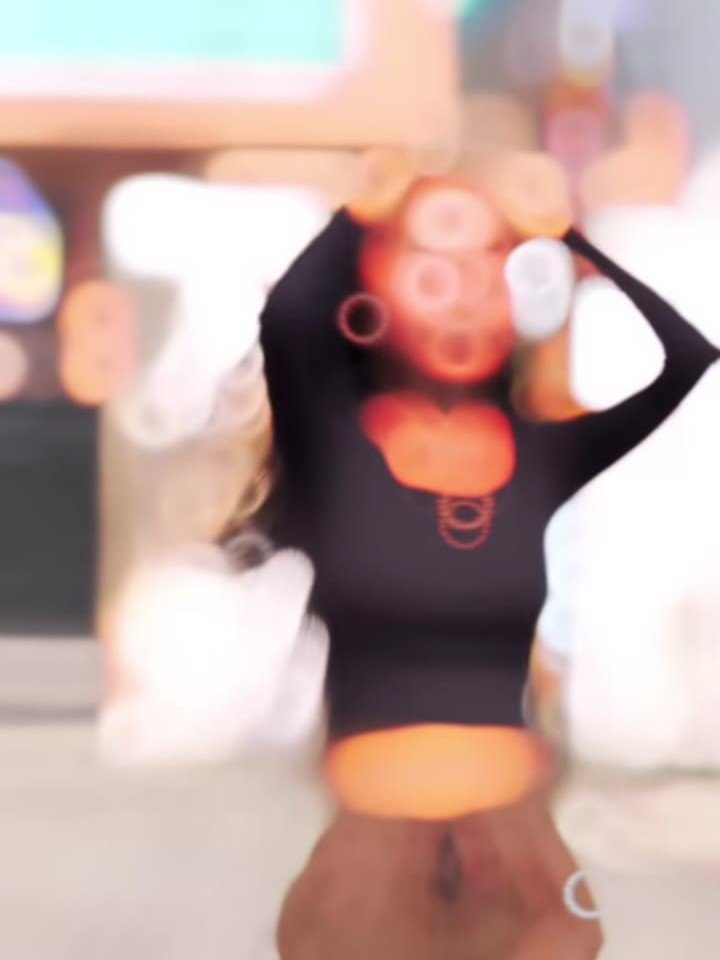
Viral Nokia Filter Effect – Even today, you will notice that “aesthetic” filters and videos remain incredibly popular among people. By “aesthetic,” I refer to a style of editing—or the specific filters used—that produces a slightly blurred, vintage-like quality; in contemporary parlance, this look is termed “aesthetic.” Previously, people did not care for this style; however, it is now highly cherished and sought after under the banner of “aesthetics.” One such edit has recently gone viral, gaining immense popularity among the masses. Consequently, I thought it would be a great idea to discuss this particular edit and show you just how simply you can recreate this viral style yourself—I will walk you through the entire process of how to create it.
Why This Filter Is Trending
You will see on Instagram that many creators are creating such videos and getting millions of likes and you know that. Such videos have got 10 million, 15 million views. The reason why people are getting so many views is because the filter in it looks a bit unique. It looks like you have recorded it from an old phone and a flashlight is shining in your video. It looks quite unique. People have gone crazy after seeing it and many people want to know. How can you apply what kind of filters, so see, you have to keep in mind that it will be created with the help of another application and I will tell you the process of that too step by step.
How To Use Viral Nokia Filter Effect
To begin editing, you first need to open a specific application. This app is called ‘Kapi.’ Once you launch it, you will be able to record your video directly within the interface. While recording, you will find a filter named ‘Nokia’ available there; simply select it—much like you would any of the classic static filters. You will find a complete collection of filters, allowing you to see exactly what kind of aesthetic each one produces before you proceed to record your video. Now, what if you encounter a situation where you have already recorded a video and wish to apply the filter to it retroactively? You can simply add your existing video clip, browse through the available options to select the filter that best suits your footage, and—just like that—you’re all set!
How To Make Your Video Viral
Now, how can you make your video viral? If you want your video to go viral, the first thing you need to do is create something unique about your content. Whatever you’re using in your video is fine. That’s okay. You can use filters because they’re trending, but you have to do it. It’s not like you’re just copying someone else’s video. Thinking you’ll get good results, you won’t get good results that way, and your video won’t go viral either.
Conclusion
We hope this Instagram trending editing technique, which is currently gaining popularity, was quite easy to create, and you can follow it step by step. I’ve shared all the details. Use them and create your own video.