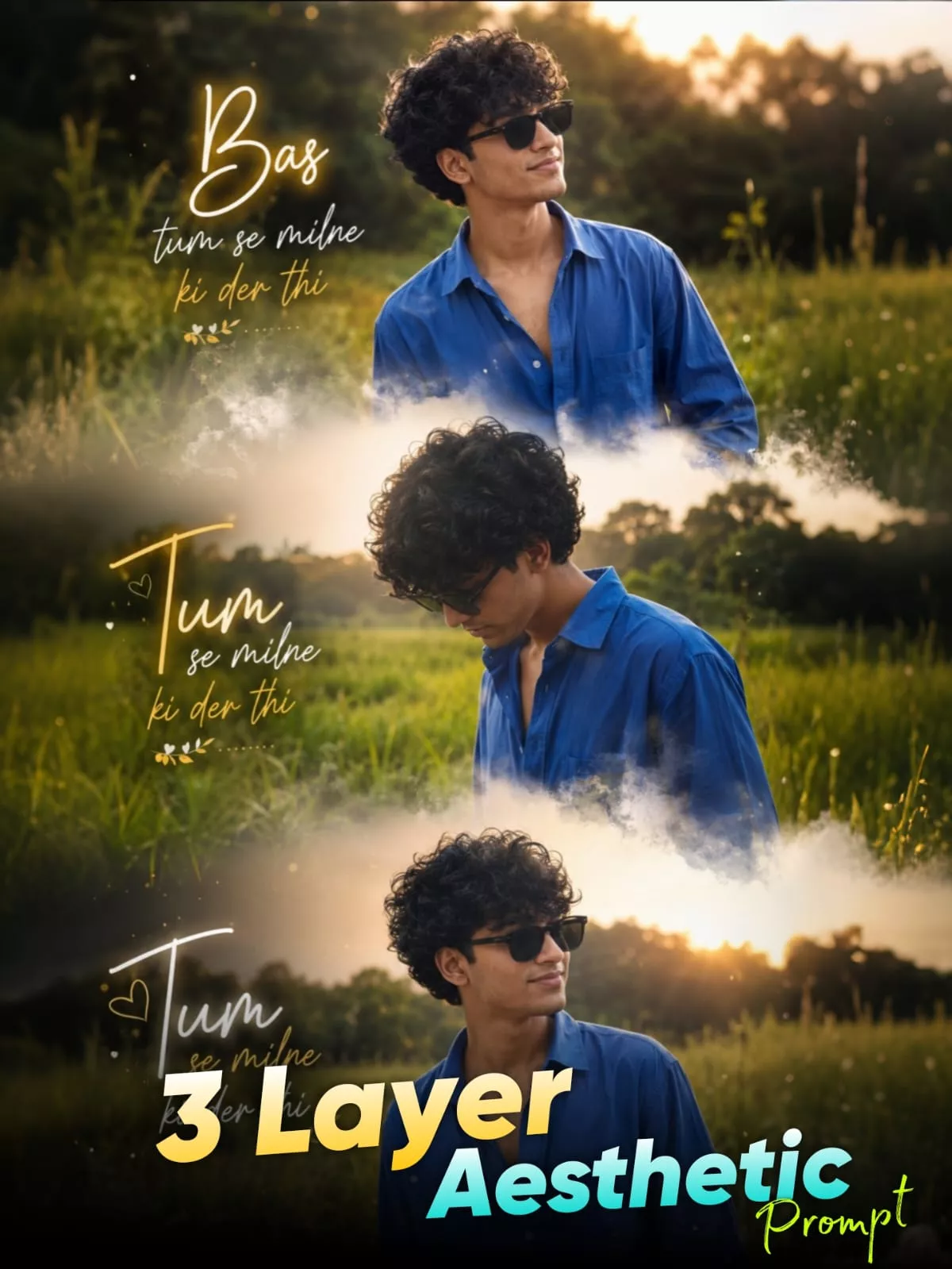
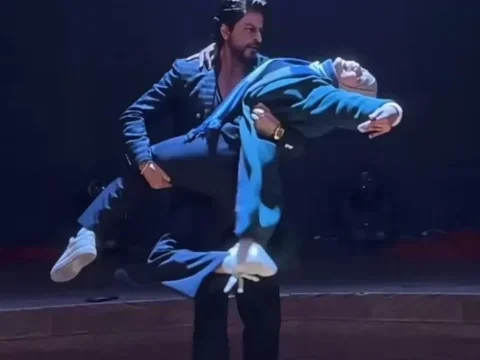
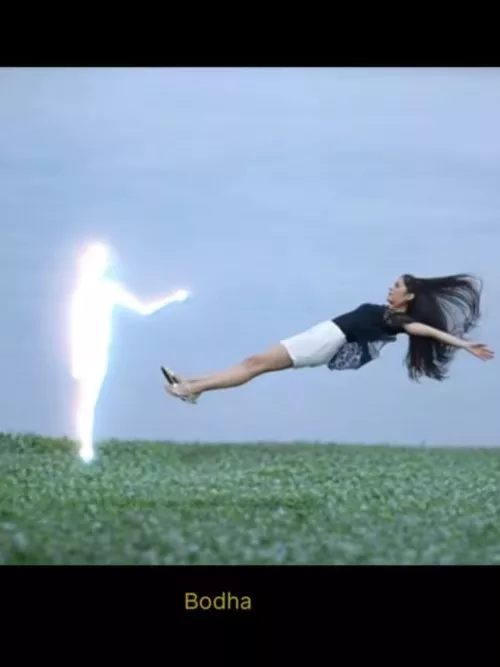
New Ai Girlfriend Video Editing – Look, this sleeping video is going viral on Instagram. In this video, you’re asleep, and then a girl with an AI appears and flies through the air. Many different types of videos are going viral using similar methods. I’ll show you how to create two types of videos. I’ll explain it step by step. If you want to learn, or are even slightly interested, you should definitely create this video because it’s going viral on Instagram right now. I recently shared a lost article in which I taught eye-walking editing. If you’ve created a video on that, you’ve likely received a great response. But if you look at this trend now, it’s performing even better than that, so you should definitely create it.
Trending Ai Girlfriend Video Editing
Details Of New Ai Girlfriend Video Editing
This video was generated entirely from here. First, it uses two methods. First, we generate a photo here. Then, our video is generated. So, I’ll show you how to create our own photo using Google Gemini. Our last article was based on something similar, but the editing was completely different. After that, we generated our own photo. Now, here, you’ll need to generate a video. To generate a video, you’ll need a separate prompt. I won’t write what that prompt is here, because it’s a small prompt. You just have to type it there. So, read this article, where I’ll explain everything.
How To Create Image
First of all, there is Google Gemini and on the website for which I have given a button below. You will find a button called Create Your Image on it. You can go to it by clicking on it. After going there, first paste the prompt. You have to paste the prompt given to you there. Then go to the plus option and upload your photo. Upload your selfie type photo and just click on generate and it will make your photo ready. Now this photo of yours is ready, what you should do with it is save it, because from then onwards, when we will generate the video, we will use this photo only.
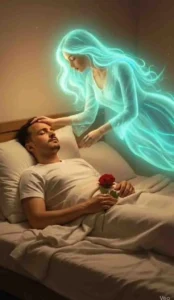
A young Indian man lies on his bed at night, wearing dark night clothes.
The room glows softly with neon blue and pink lights, creating a moody atmosphere.
Beside him stands the glowing spirit of an Indian girl, her body emitting a gentle golden-white aura. She looks at him lovingly, with her hand placed softly on his cheek. A single tear rolls down from the man’s eye as he sleeps, feeling her presence without waking. The room around them is dim and quiet, filled with emotion and nostalgia. keep my face 100% same as in the reference image
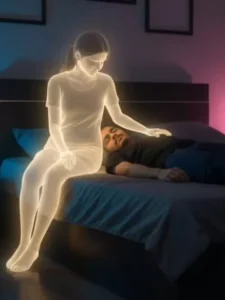
A young Indian man lies on his bed at night, wearing dark night clothes.
The room glows softly with neon blue and pink lights, creating a moody atmosphere.
Beside him stands the glowing spirit of an Indian girl, her body emitting a gentle golden-white aura. She looks at him lovingly, with her hand placed softly on his cheek. A single tear rolls down from the man’s eye as he sleeps, feeling her presence without waking. The room around them is dim and quiet, filled with emotion and nostalgia. keep my face 100% same as in the reference image
How To Generate Your Video
Now comes the matter of updating the video in which we will generate it using this photo. For that you will get an option called Create Video. Clicking on it will take you to another website where you have to create the video. There you will have to click on New Project as the signal. Only then will you get the option to create a new project. After that you will get the option of text to video there. After changing that you have to select frame to video there. Then go to the plus option. There you have to upload your photo and in the prompt you can just write normally like this. Animate this video, then it will add animation to your video according to the video photo.
CONCLUSION
This is how you can create viral videos like this. I hope you understand these details. I’ve tried to explain everything as clearly as possible. If you have any problems or don’t understand something, please ask in the comments and we’ll definitely tell you about it. How can you create it?